Cart
new
Novation FL Pad mini
- Read reviews (0)
- Related accessories
- Similar products
- Free delivery
- Low prices guaranteed
- Satisfied or refunded
- 3-years warranty
Pre-order
contact us
Stock in store
Not available in store
INFORM ME OF ITS ENTRY IN STOCK
I want to be notified by email
Go
Variation(s) of this product.

The brand Novation
Learn more about the Novation brand and discover the entire catalog.

MIDI controller buying guide
Everything you need to know about MIDI controllers and master keyboards before making your first purchase!
Contact an expert
Our musician and enthusiast tele-consultants are here to answer all your questions.
Midi controller
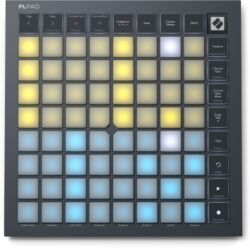
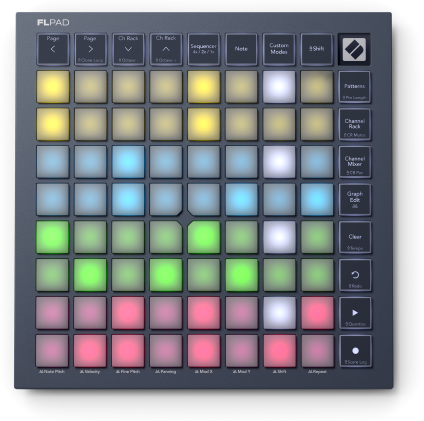
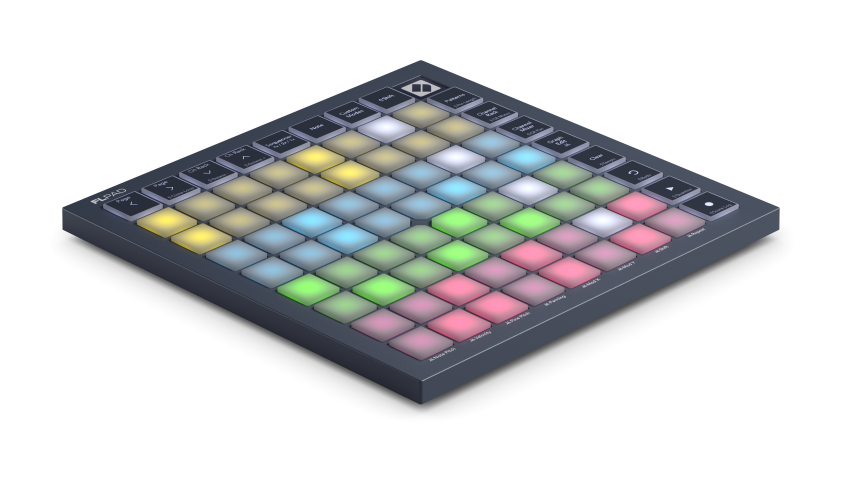
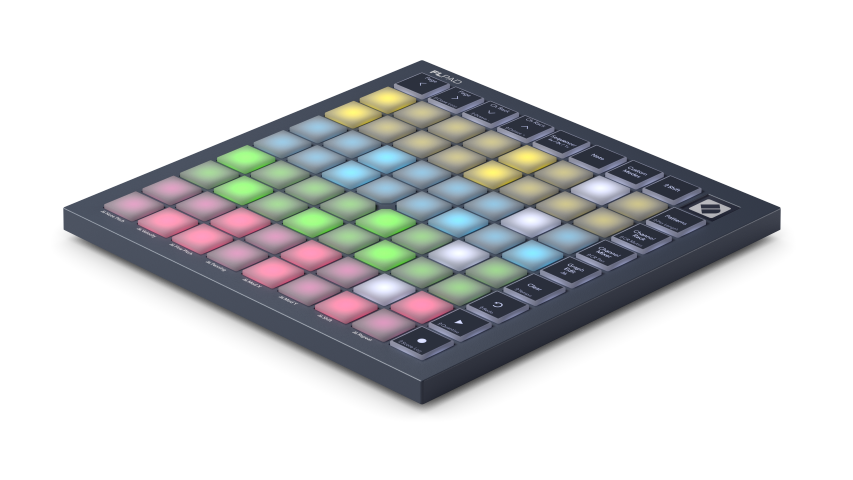
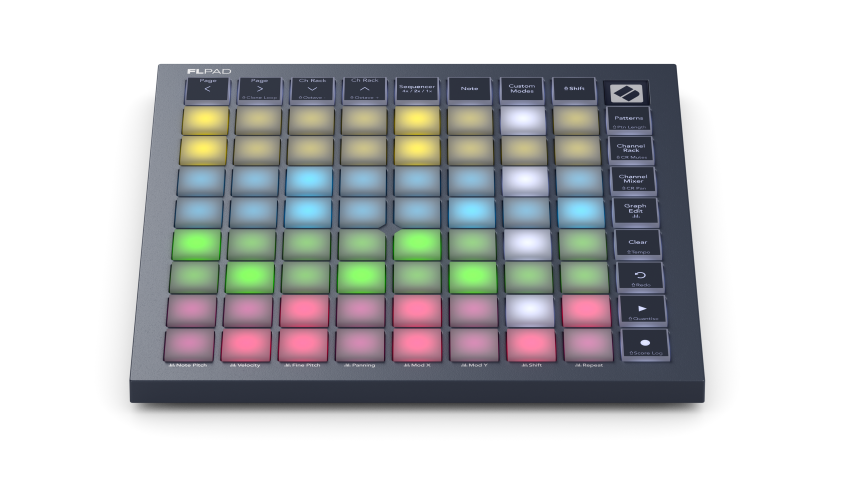
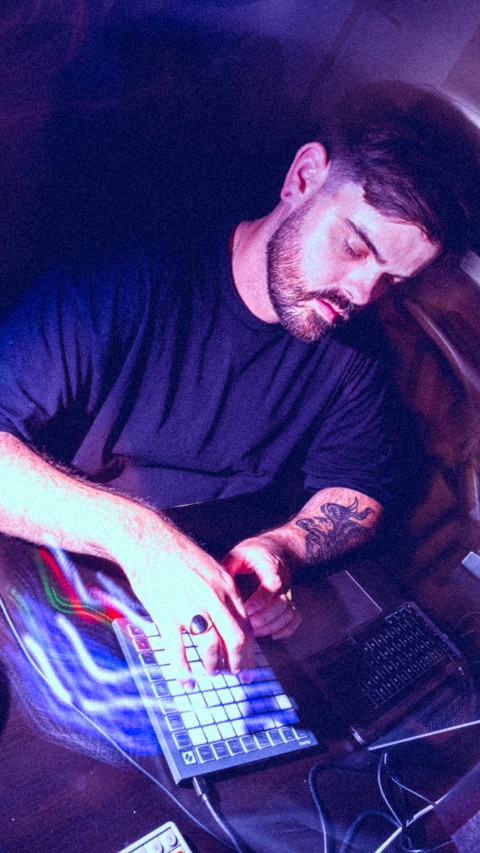
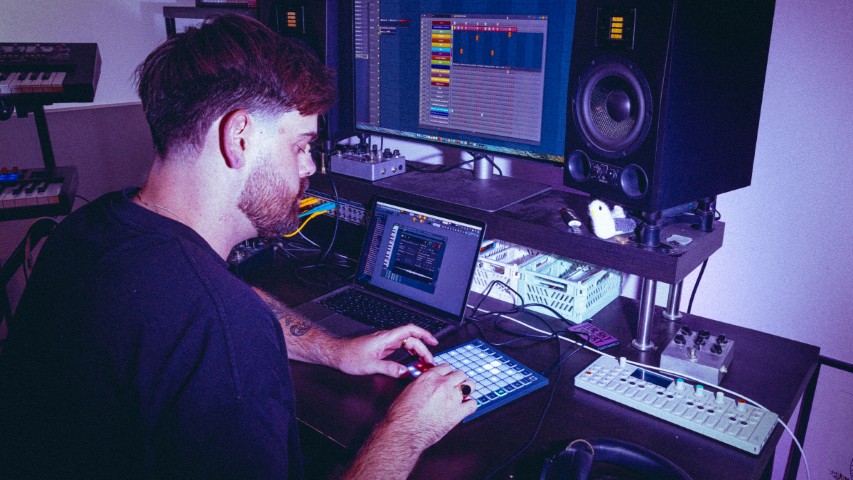
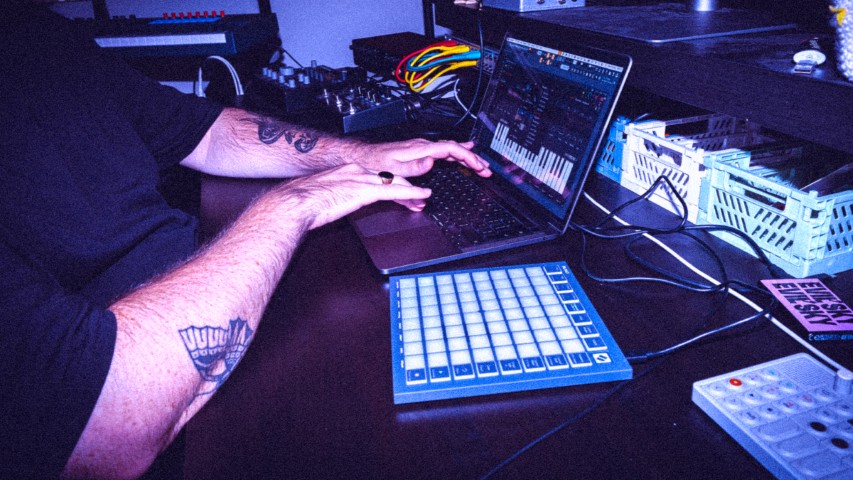
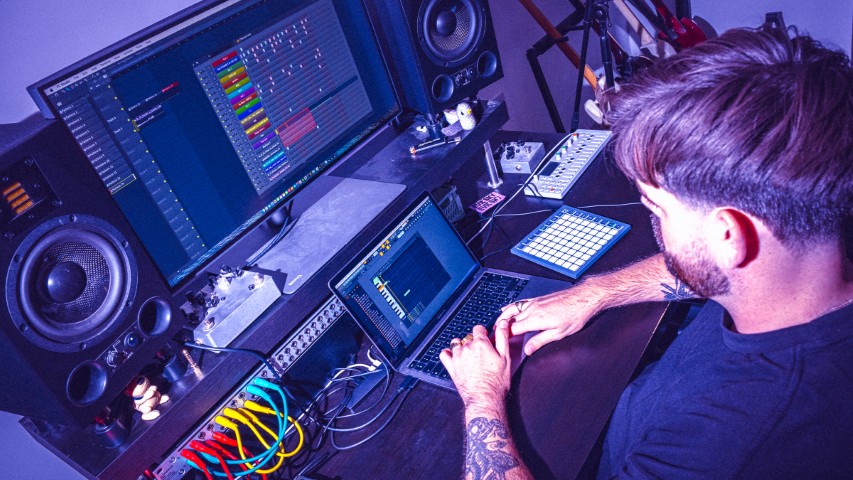
The Novation FLpad Mini is a compact controller designed in collaboration with Image-Line to control FL Studio using a pad grid. It is primarily aimed at beatmakers and producers who want to program rhythms, trigger samples, and quickly build patterns using a lightweight, portable setup. It does not produce any sound on its own and must be used with FL Studio on a compatible computer.
Key Features
- Dedicated integration with FL Studio to control the Channel Rack, patterns, and various software functions directly from the controller.
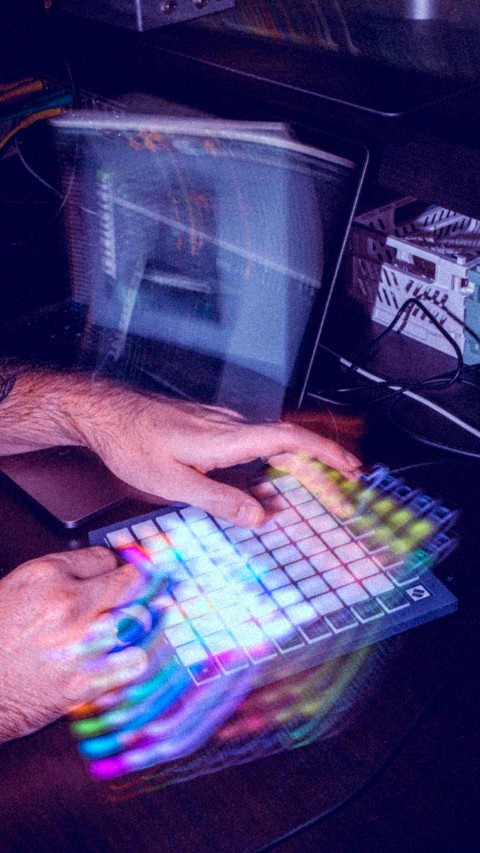
- RGB pad grid for programming sequences, playing rhythms, and triggering samples.
- Sequencer view capable of managing up to four Channel Rack instruments at once.
- Direct access to the Graph Editor to modify parameters such as velocity, pitch, and note repetition.
- Dedicated modes for FPC, Slicex, and Fruity Slicer to control these tools directly from the pad grid.
- Six months of access to FL Studio Producer Edition included so you can start producing without immediately purchasing a full license.
What is the FLpad Mini used for in FL Studio?
The FLpad Mini is primarily used to replace some mouse operations with physical controls. It allows you to start and stop playback, quantize, undo or redo an action, navigate the Channel Rack, and access the Score Log directly from the controller.
It does not completely replace the software interface. The computer screen is still necessary for detailed settings, in-depth editing, and full use of plug-ins.
How does sequencing work?
The Sequencer view lets you program up to four instruments from the Channel Rack simultaneously. This allows you to build a drum track, a bass line, chords, and a melody all within the same grid, with color-coded visual cues.
The Graph Editor then provides access to parameters such as velocity, pitch, and note repeats. These settings can therefore be adjusted without immediately switching back to the mouse.
Can you play directly on the pads?
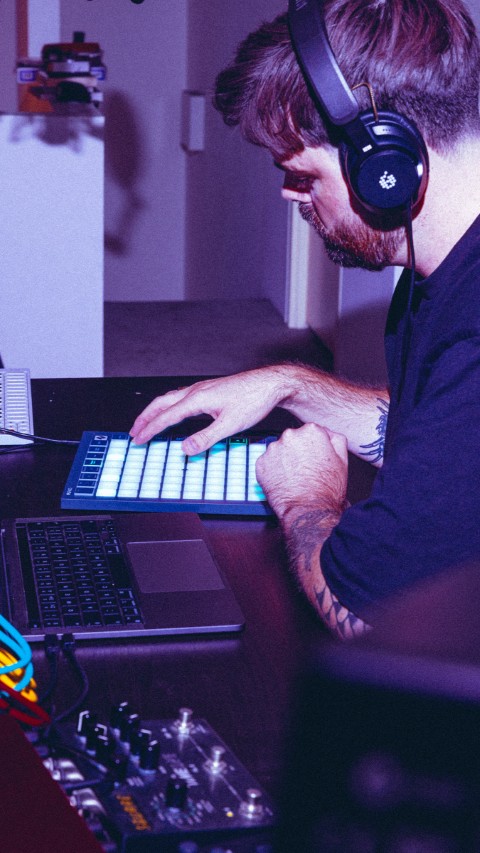
The grid can be used to improvise rhythms and melodies, in addition to its role as a sequencer. It can also adopt a keyboard layout or be configured according to a specific scale.
Specific modes also make it easy to control FPC, Slicex, and Fruity Slicer. The FLpad Mini is therefore particularly well-suited for finger drumming, triggering samples, and quickly programming simple melodic parts.
Can you control the mix?
Channel Rack Mixer mode transforms the grid into fader-style controls for adjusting channel levels. This feature provides quick access to basic mixing without immediately adding another control surface.
For detailed mixing work where multiple parameters need to be viewed and adjusted simultaneously, a control surface equipped with actual faders and knobs will remain the better choice.
How is it different from the standard FLpad?
The FLpad Mini includes the essential features for integration with FL Studio, including sequencing, navigation within the Channel Rack, the Graph Editor, and modes dedicated to sampling instruments. Its main advantage is its more compact size, which is better suited for a mobile setup or a desk with limited space.
The trade-off mainly concerns the available physical controls. For intensive use at home or in the studio, a larger model may offer more direct access to certain controls.
Does the FLpad Mini work without a computer?
The FLpad Mini is neither a standalone drum machine, nor a sampler, nor a synthesizer. It does not contain a sound engine and must be used with FL Studio or compatible software to produce music.
You’ll therefore need a computer, FL Studio installed, and a suitable monitoring system—such as headphones or speakers connected to the computer or an audio interface.
Can you customize its operation?
Novation Components allows you to customize certain controls and settings on the controller. This feature is useful if you want to adapt the FLpad Mini to a workflow different from the default FL Studio integration.
What software is included?
The FLpad Mini includes six months of access to FL Studio Producer Edition. This edition provides access to audio recording, the software’s instruments and effects, mixing, stem separation, and an unlimited number of clips, tracks, and patterns.
This is a temporary six-month access period and not a permanent license. A separate license is required to continue using the Producer Edition after this period.
The bundle also includes Melodics, as well as instruments and effects from GForce, Klevgrand, and UVI. These programs expand your production capabilities, but they still require a computer and do not make the FLpad Mini a standalone device.
Lire la suite
Technical sheet
- Pads
- Number of pads: 64
- Pad layout: 8x8
- Velocity sensitivity: no
- Keys
- Page keys: 2
- Channel Rack/Octave buttons: 2
- Mode buttons: 7
- Transport buttons: play/stop, record/Score Log, undo/redo, and delete/tempo
- Connectivity
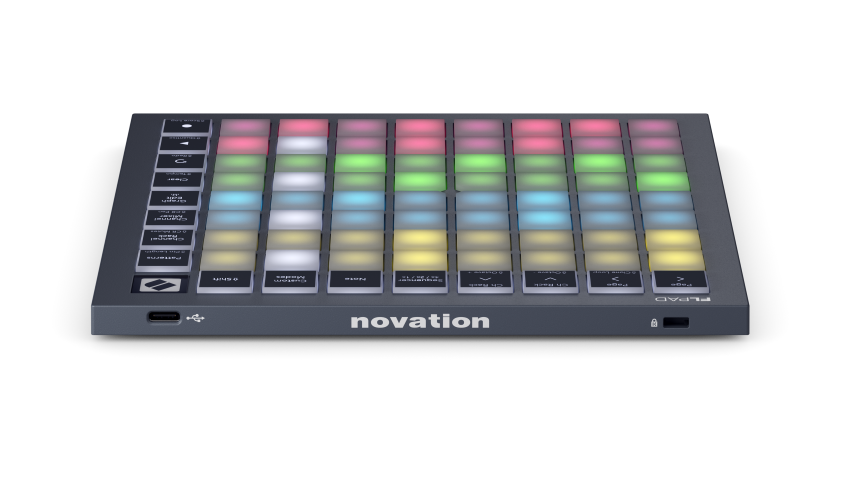
- USB Type-C port
- USB-powered: yes
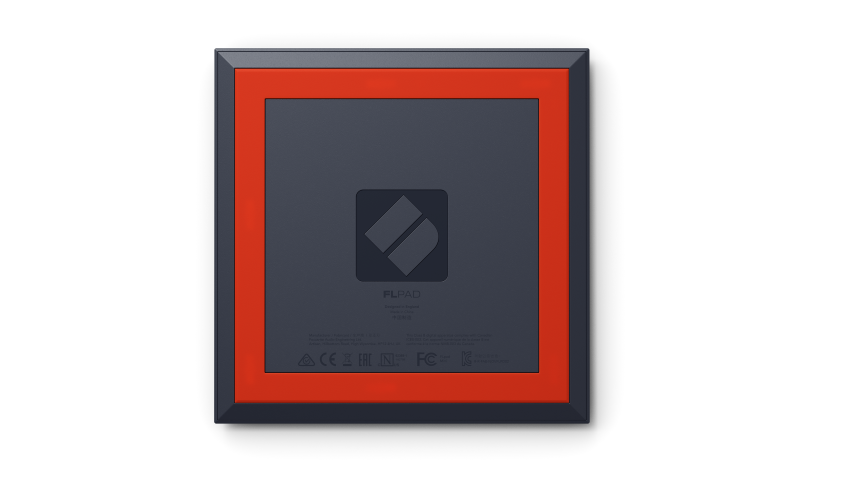
- Kensington security slot: Yes
- Compatibility
- Compatible with: Mac, Windows PCs, recent iOS devices
- Power
- Powered via USB port
- AC power adapter not included
More specifications
Fewer specifications
Often purchased with Master keyboard and DAW controller
-
X-TONE
xi 7002 Acoustic Panel
19.00 € -
AUDIO TECHNICA
ATH-M30 X
79.00 € -
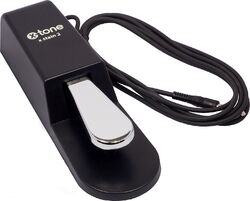
X-TONE
X-Stain 2
29.90 € -
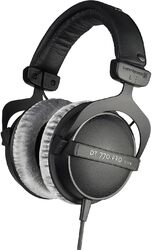
BEYERDYNAMIC
DT 770 Pro 80 Ohms
149.00 € -
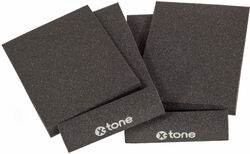
X-TONE
xi 7000 Foam Panele For Studio Speakers
15.00 € -
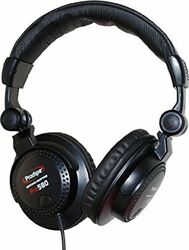
PRODIPE
Pro 580
49.00 € -
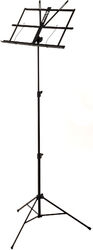
X-TONE
xh 6500 Foldable Score Desk
19.00 € -
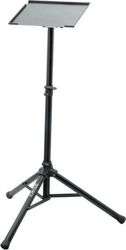
RTX
SPC STAND
55.00 € -
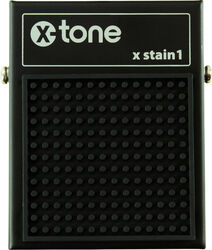
X-TONE
X-Stain 1 Sustain Pedal
19.90 € -
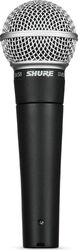
SHURE
SM58 LCE
115.00 € -
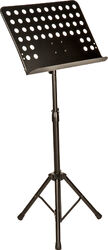
X-TONE
XH6501 Music Stand
39.00 € -
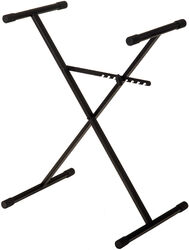
X-TONE
xh 6101 Keyboard Stand
27.90 €