Cart
Pioneer dj DDJ-Flx10
- Read reviews (6)
- Version Pack
- Related accessories
- Similar products

VIDEO
VIDEO
- Free delivery
- Low prices guaranteed
- Satisfied or refunded
- 3-years warranty
In stock
deliverable in 24 hours
Payez 143.95 € / mois par carte bancaire
- en 3x4x10x12x
- Simuler
-
Apport initial:133.25 €
-
Mensualités:11 x 143.95 €
-
Montant financement:1465.75 €
-
Coût financement:117.7 €
-
Montant total dù:1583.45 €
-
TAEG fixe:16.9 %
Un crédit vous engage et doit être remboursé. Vérifiez vos capacités de remboursement avant de vous engager.
The brand Pioneer dj
Learn more about the Pioneer dj brand and discover the entire catalog.

DJ Controller Buying Guide
Not sure yet which DJ controller to buy? Find the one you need by consulting this buying guide.
Contact an expert
Our musician and enthusiast tele-consultants are here to answer all your questions.
Usb dj controller
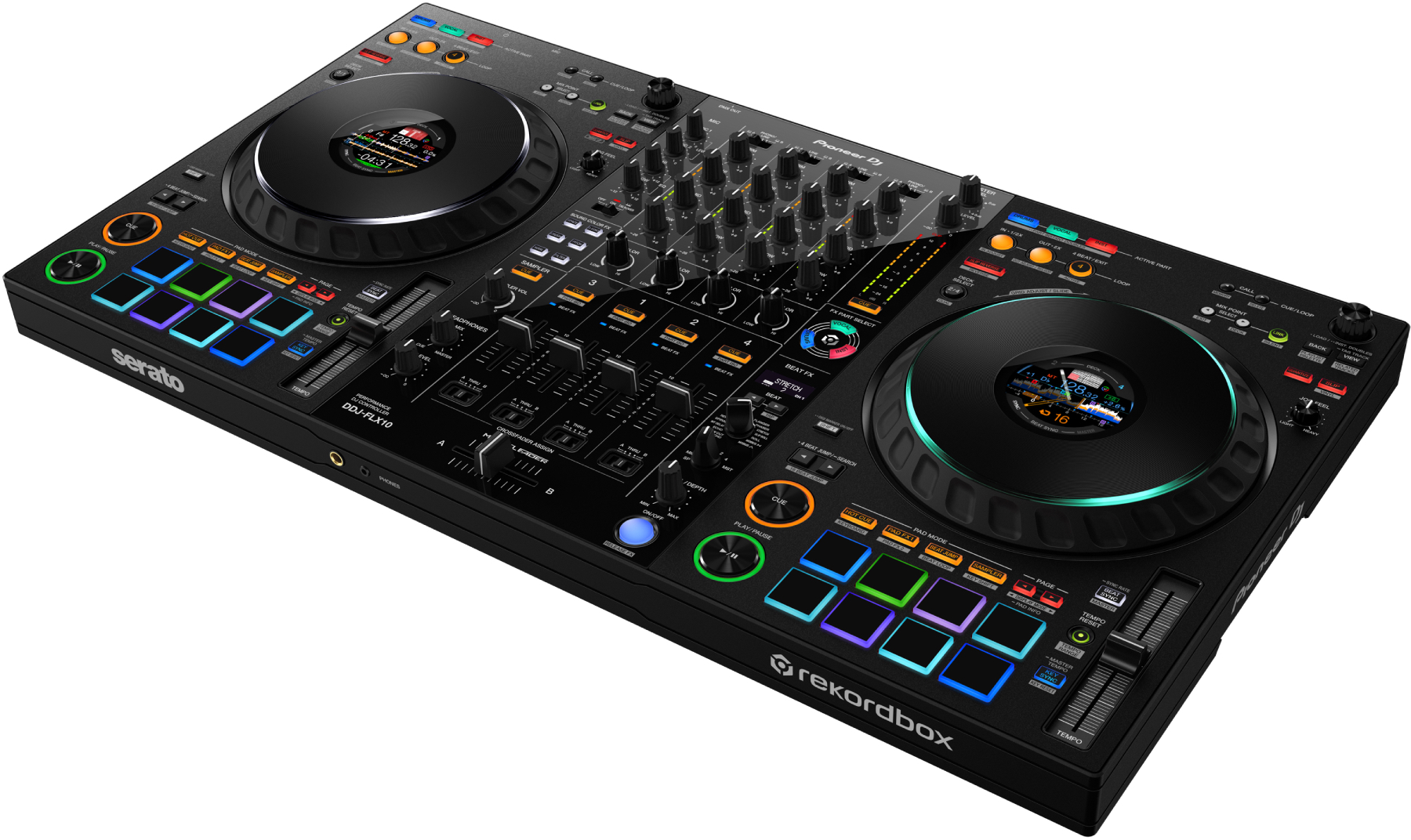
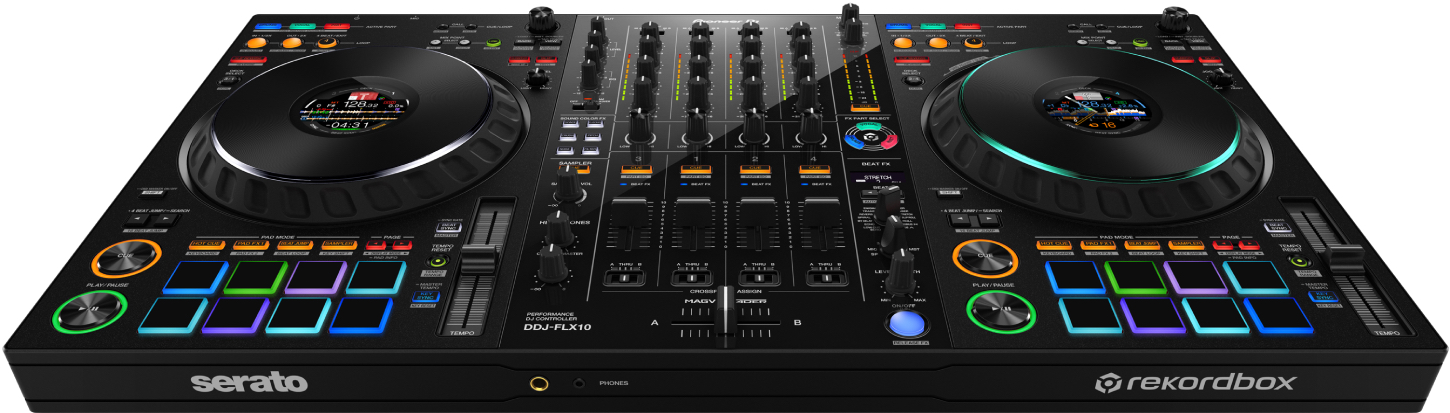
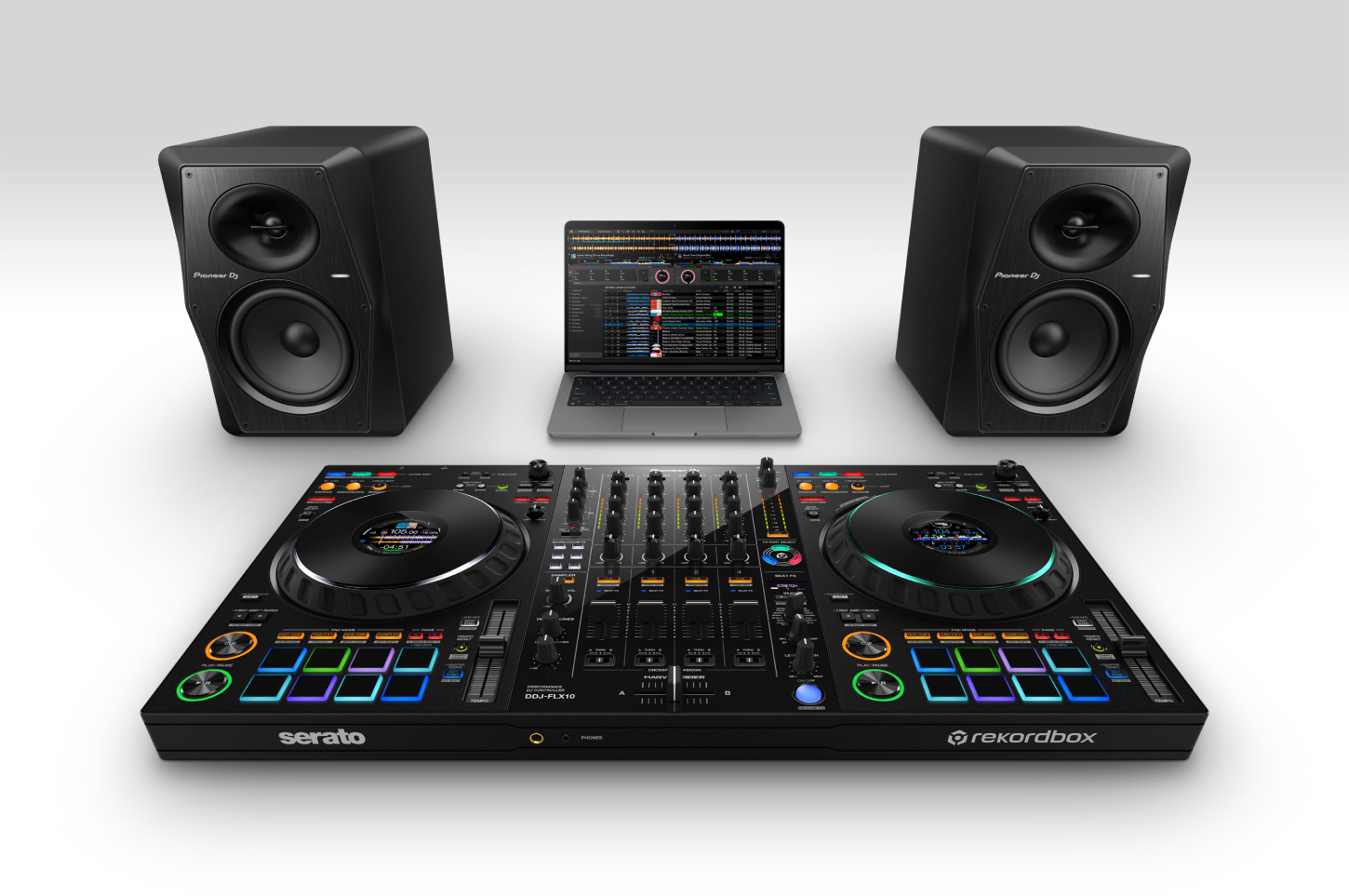
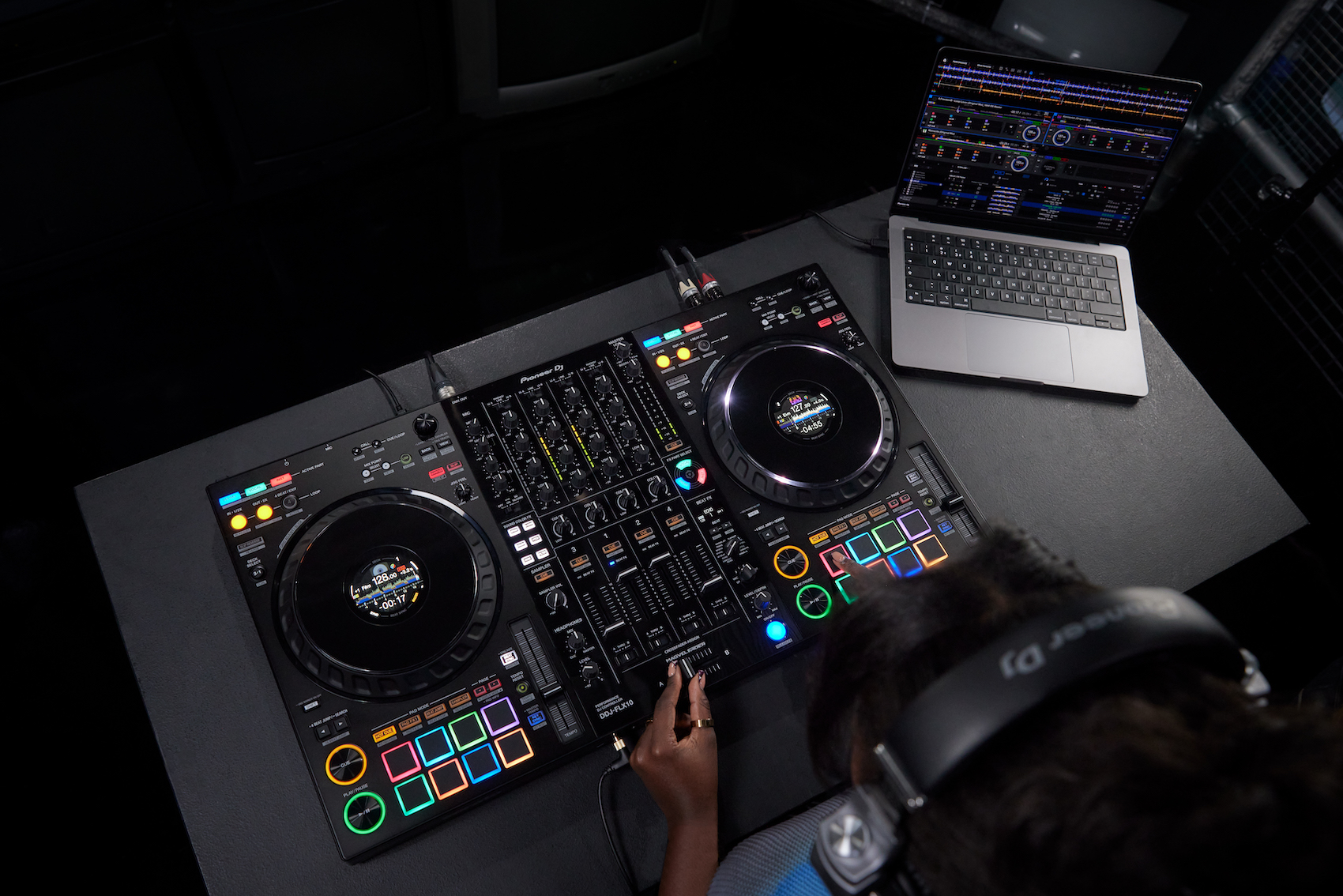
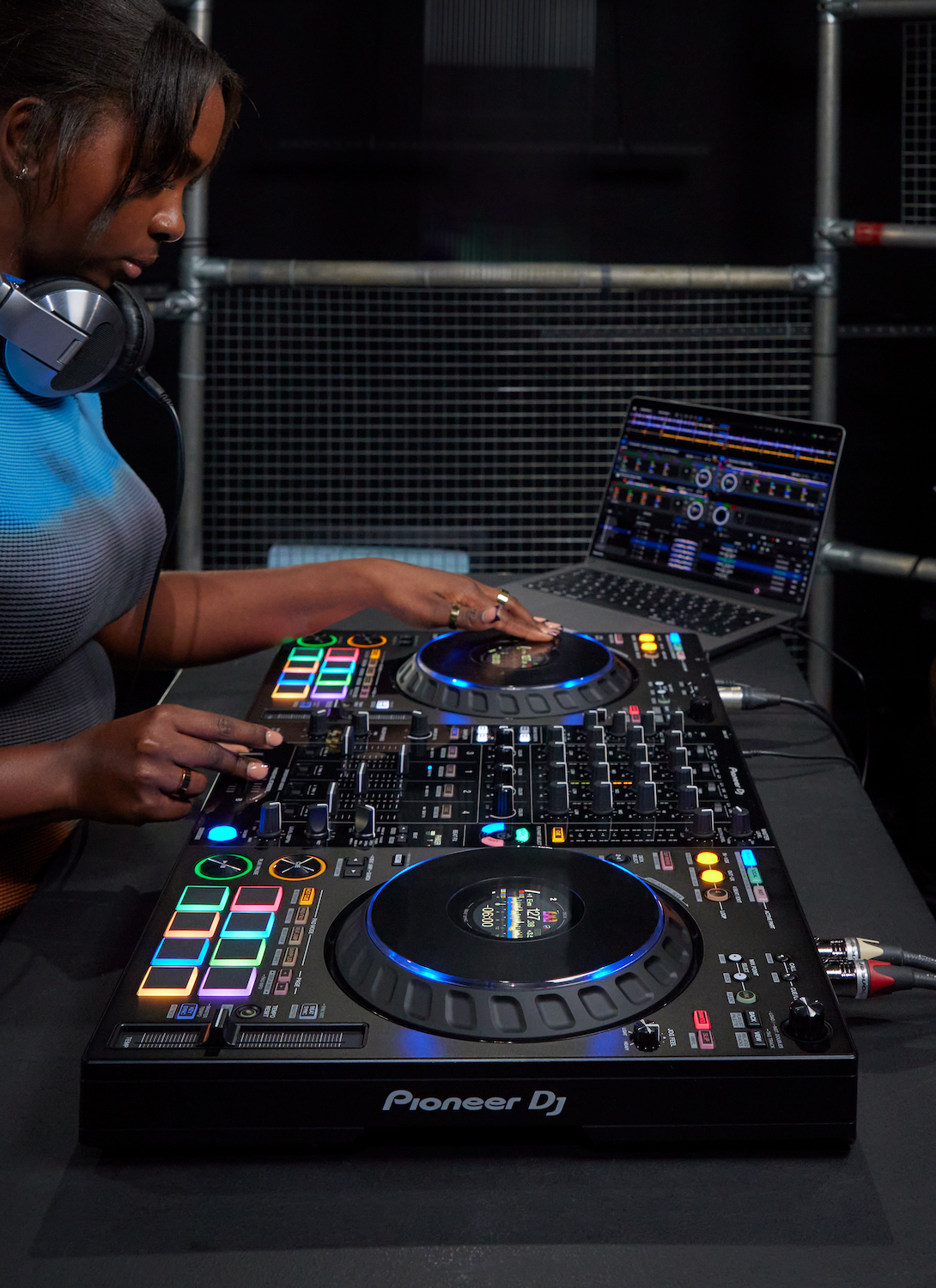
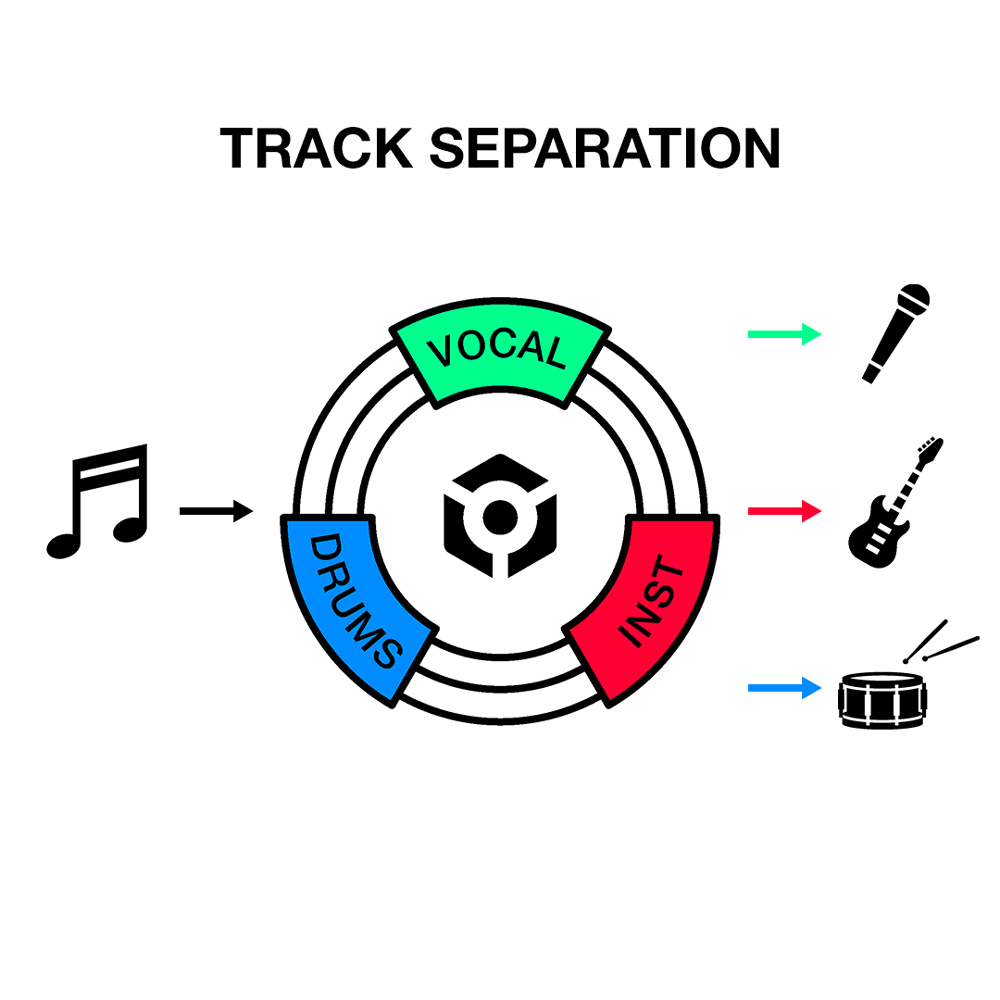
The Pioneer DJ DDJ-FLX10 is a 4-channel DJ controller compatible with rekordbox and Serato DJ Pro, designed to go beyond traditional mixing. Thanks to its track separation technology, you can isolate the vocals, drums, bass, or melody directly from a regular track in your library, without having to prepare an a cappella or instrumental track beforehand.
Whether you’re looking to improvise mashups mid-set, target your effects to a specific part of a track, or control your booth lighting without additional equipment, the DDJ-FLX10 brings all these tools together in a single controller. Here’s a detailed look at what it offers.
Overview
The DDJ-FLX10 is the logical next step for DJs who already own a DDJ-FLX4 or a DDJ-FLX6/GT and are looking for a more feature-rich controller, particularly when it comes to live remixing capabilities.
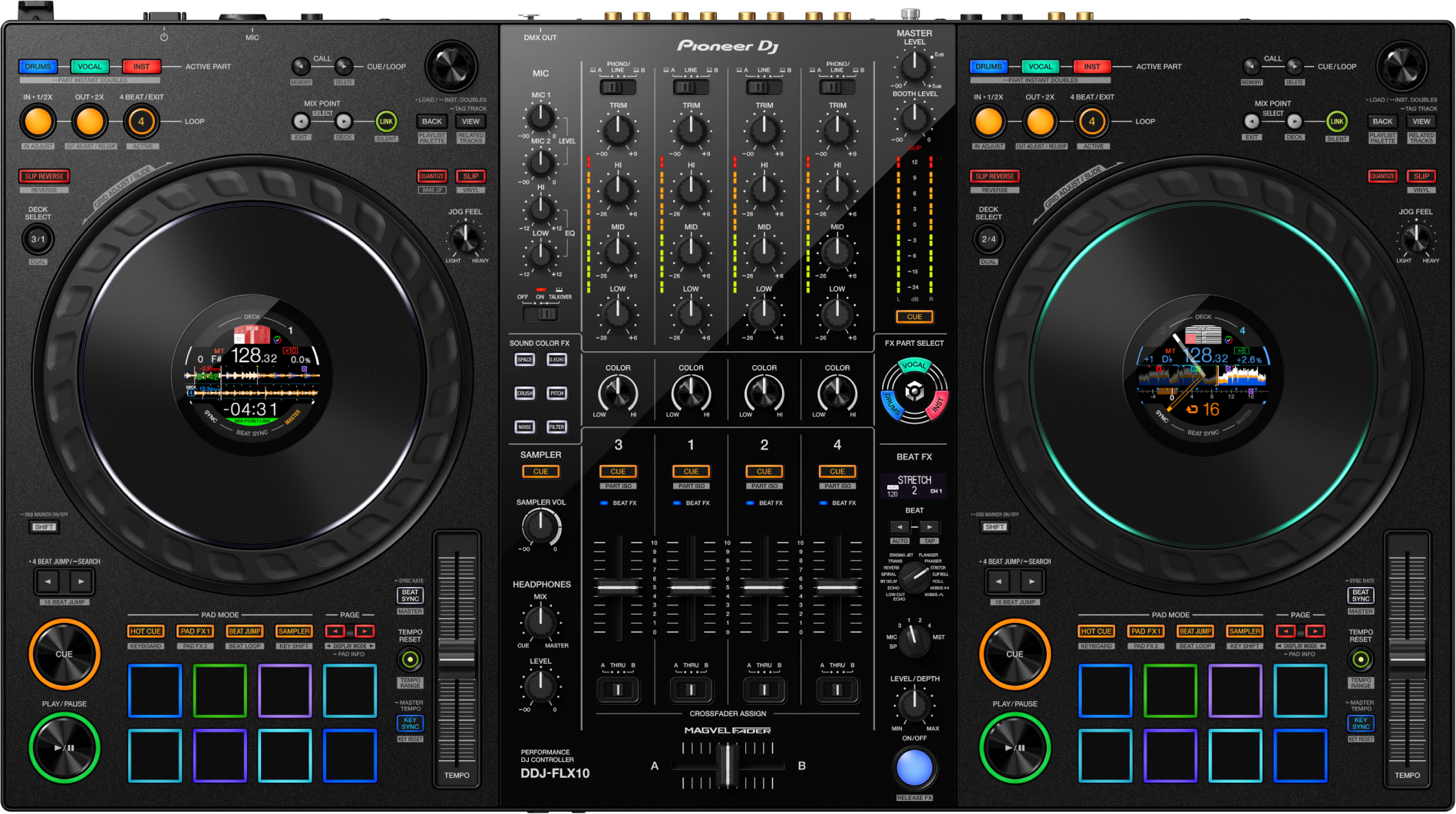
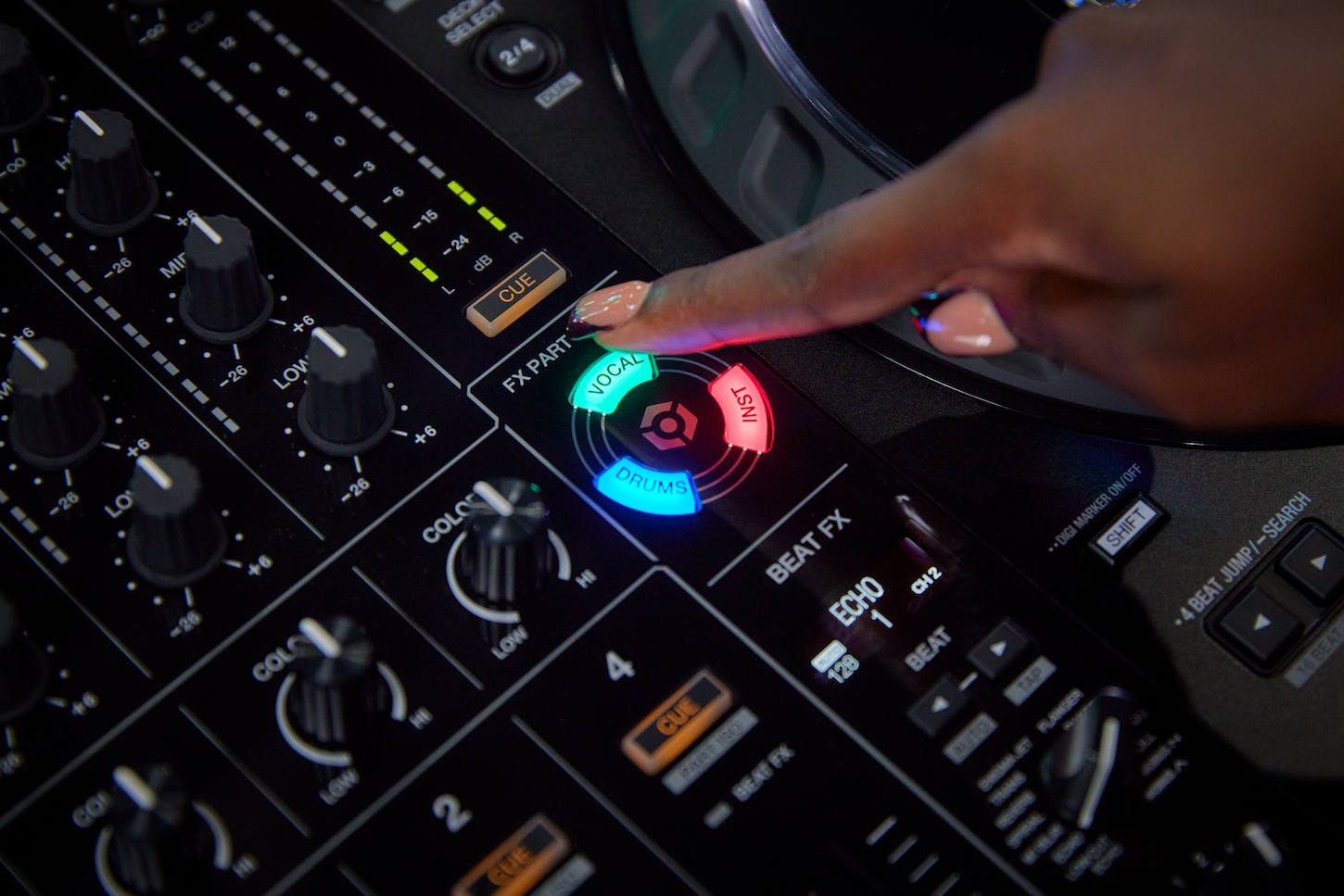
It features real-time track separation, a Part Isolator, and an FX Part Select to work on each component of a track separately; the Part Instant Doubles function to transfer an isolated part to another deck; a multicolored jog ring—a first for Pioneer DJ; an On Jog Display with four display modes, Mix Point Link, a DMX output for lighting, and a MAGVEL FADER crossfader with four sensors. It works with rekordbox and Serato DJ Pro, including DVS support.
This type of controller is designed for setups where live remixing and progressive set-building take precedence over “raw” mixing: creating mashups on the fly, keeping your hands free during transitions, or integrating lighting into your set without external equipment.
Who is the DDJ-FLX10 designed for?
Users of the DDJ-FLX4 or DDJ-FLX6/GT who want to upgrade to a more feature-rich controller, with track separation and live remixing capabilities not found on those models.
DJs who perform mashups or live remixes, thanks to track separation, the Part Isolator, and FX Part Select, which allow you to manipulate vocals, drums, and bass/melody independently without prior preparation.
For mobile or club DJs who want to incorporate lighting into their set without an external DMX interface—the DDJ-FLX10’s DMX output connects directly to compatible equipment.
Track separation technology for creating live mashups
Track separation lets you load a standard track from your library and automatically isolate the vocals, drums, or bass and melody—without any prep work. Unlike a traditional mashup, which requires separating the tracks beforehand using dedicated software, everything is done directly on the controller. This lets you improvise mashups right in the middle of a session, without interrupting your set to prepare files in advance.
A Part Isolator to adjust the volume of each part of the track
The Part Isolator lets you independently adjust the volume of the vocals, drums, or bass and melody in a track, and mute any of these three parts. Unlike a traditional EQ, which acts on fixed frequency bands, here you work directly on the identified components of the track. For example, you can remove the vocals for an instrumental section without affecting the rest of the mix.
An FX Part Select to apply effects to a specific part of the track
FX Part Select lets you choose the specific part(s) of a track to which you want to apply an effect, rather than sending the entire track through it. For example, you can add an echo only to the vocals, leaving the drums and melody unchanged. This precise targeting—which isn’t possible with a traditional FX send that affects the entire signal—opens up more creative transitions without altering the rest of the track.
Part Instant Doubles for scratching an isolated part of the track
This feature isolates a specific part of the track—vocals, drums, or bass and melody—and instantly transfers it to another deck. You can then scratch it or apply other performance functions to it, unlike a traditional scratch, which applies to the entire track. This allows you to build a live remix by scratching only the vocals or drums while the rest of the track continues to play normally.
Includes compatibility with rekordbox and Serato DJ Pro, including DVS mode
The DDJ-FLX10 works with rekordbox or Serato DJ Pro—for free—by simply connecting your PC or Mac. DVS mode is included for free in rekordbox and available in Serato via the purchase of the Expansion Pack. Unlike a controller locked to a single software ecosystem, you can choose your software based on the event or client without changing hardware or reconfiguring your setup.
A multicolored jog ring to visualize isolated sections of the track
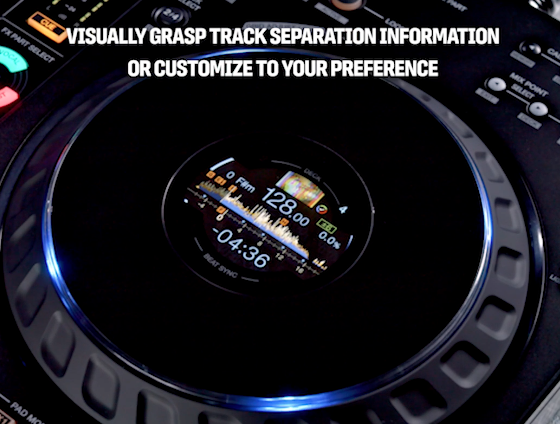
The DDJ-FLX10 features the first multicolor jog ring on a Pioneer DJ controller. It visually indicates the different sections of the currently playing track when using track separation, or can be customized to suit your style. Unlike a traditional monochrome jog ring, which simply indicates the current playback, you can instantly see which part is isolated—even in a dimly lit booth.
A 4-Mode Jog Display Expansion to Keep Your Eyes on the Decks
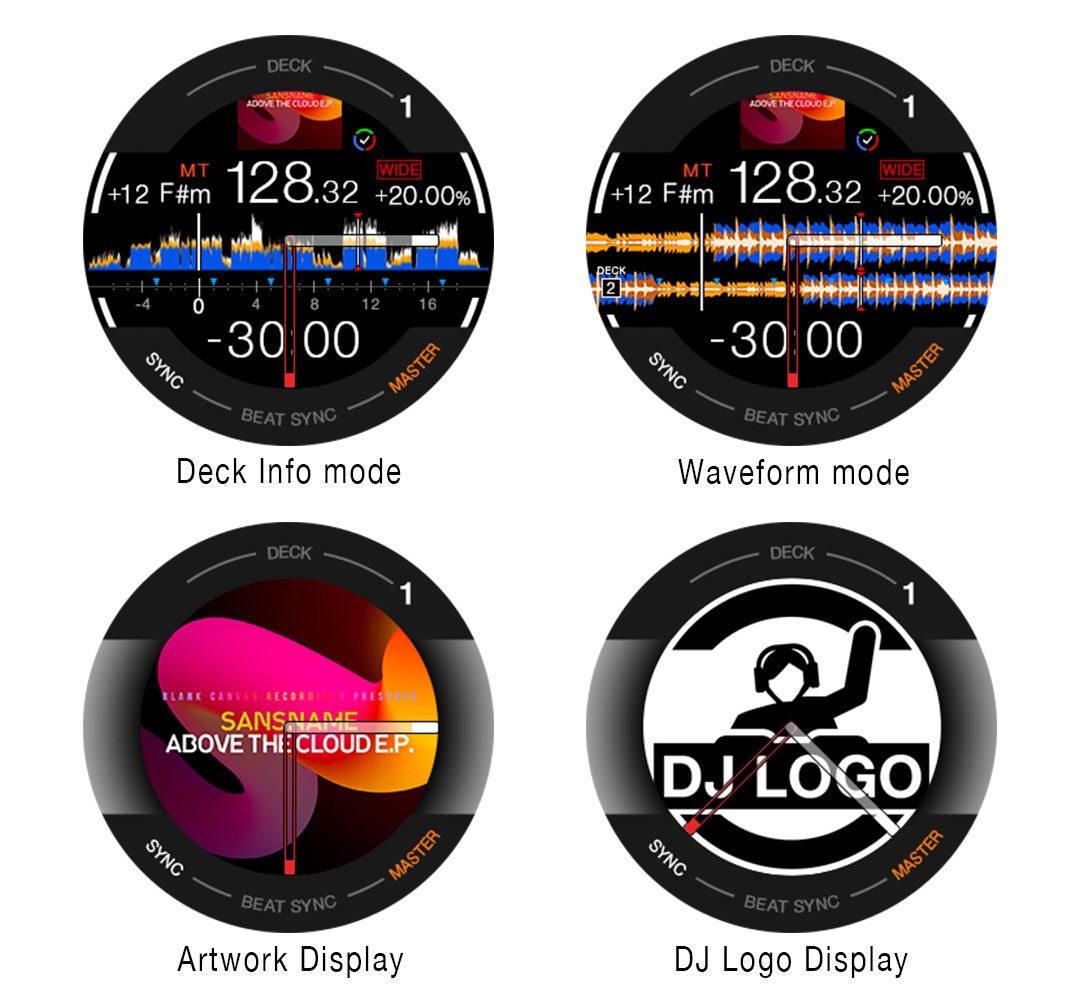
The On Jog Display offers 4 modes: Deck Info (detailed waveform), Waveform (zoomed-in waveforms on 2 decks), Artwork (track cover art), and DJ Logo (your custom logo). Some modes display 3-band waveforms, just like on the flagship CDJ-3000 player. You can also access rekordbox vocal analysis information and pad status without taking your eyes off the decks, allowing you to stay on track with your set.
Mix Point Link for Seamless Track Transitions Without Counting
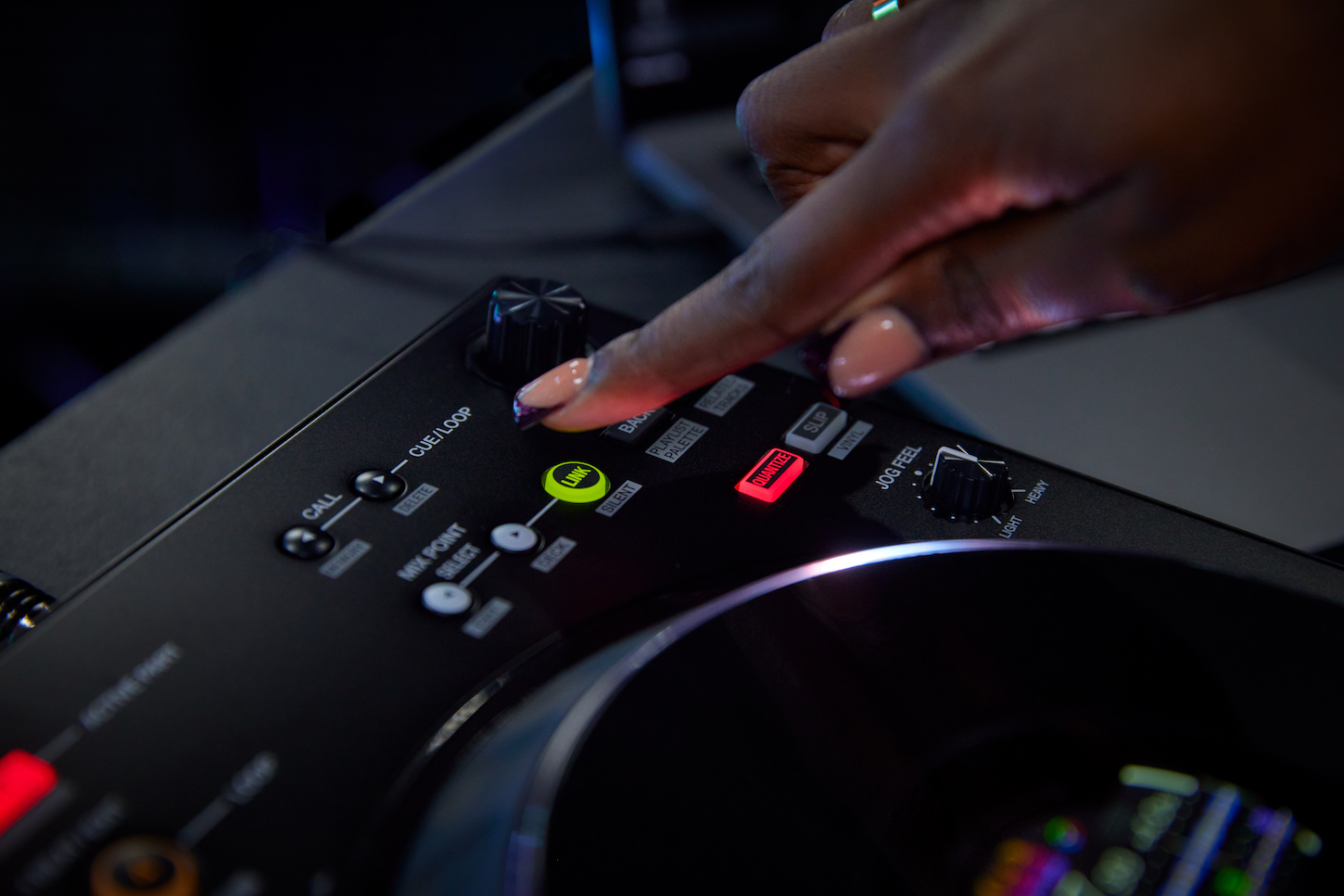
Mix Point Link introduces a new playback concept: you link mix points between two tracks to automatically trigger the transition at the right moment—for example, starting the melody of the next track as soon as the vocals of the current track end. Unlike manual transitions, where you have to count the bars and start playback yourself, you keep your hands free to build a mashup or add an effect during the transition.
A built-in DMX output to control lighting from rekordbox
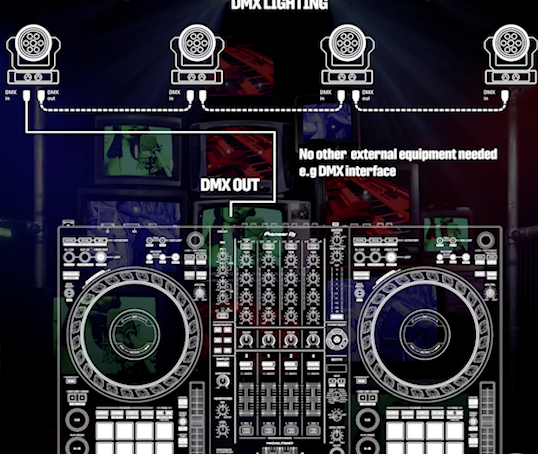
The DDJ-FLX10 features a DMX output that allows you to connect compatible lighting equipment directly, without an external DMX interface. rekordbox’s Lighting mode then lets you create custom effects or automatically sync colors and movements with the music. For a mobile or club DJ, this means less gear to carry and set up before each gig.
A MAGVEL FADER crossfader with 4 sensors for enhanced precision
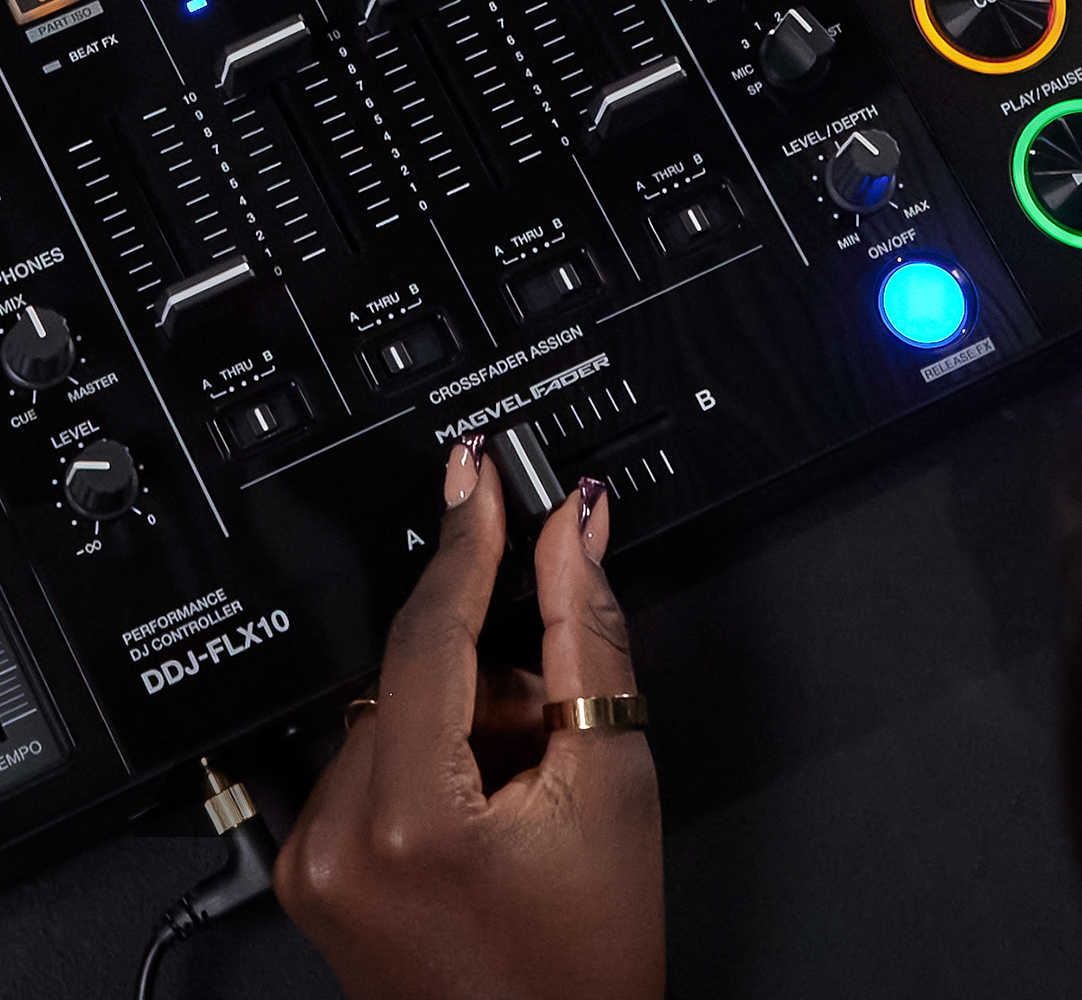
The MAGVEL FADER crossfader now features a 4-sensor system, compared to the 2 sensors on the DDJ-1000. This upgrade makes it more responsive and allows it to detect even the slightest movements of the crossfader. In practice, this gives you greater precision for fine volume adjustments or scratching techniques that rely on subtle fader movements.
Lire la suite
Technical sheet
- IOS compatibility Not compatible IOS
- Number of channels 4 channels and more
- Type and Configuration
- 4-channel USB DJ controller
- Controls 4 software decks with 2 turntable sections
- Computer required for track playback and software functions
- Mix external LINE/PHONO sources without a computer
- No standalone playback from a USB flash drive
- Software
- rekordbox: Unlock PERFORMANCE mode by connecting the controller; no subscription required for basic mixing
- Serato DJ Pro: Unlock by connecting the controller; no license purchase required for basic mixing
- djay Pro for macOS and Windows: Paid subscription required
- rekordbox DVS compatibility: compatible subscription required
- Serato DVS compatibility: compatible license or subscription required
- macOS/Windows compatibility: Depends on the software and driver versions; check the official system requirements before installation
- Frequency response
- 20 Hz – 20 kHz (USB, LINE, MIC 1, and MIC 2)
- Sound card
- Built-in USB audio interface
- A/D and D/A conversion: 24-bit
- Sampling frequency: 44.1 kHz
- Signal-to-noise ratio
- 110 dB (USB)
- 94 dB (LINE)
- 83 dB (PHONO)
- 81 dB (MIC 1 and MIC 2)
- Total Harmonic Distortion
- 0.002% (USB)
- 0.007% (LINE)
- 0.025% (PHONO)
- Multicolored jog ring
- 2 non-motorized 206 mm jog wheels
- Rotational resistance adjustable via JOG FEEL control
- Customizable multicolored light rings
- Built-in color display on each jog wheel
- Displays deck information, waveforms, album art, or logos depending on the software and selected mode
- Fader system
- MAGVEL FADER crossfader with 4 sensors
- Adjustable crossfader curve
- 4 channel faders
- Mixing section
- 4-channel with gain control and 3-band EQ per channel
- Sound Color FX control per channel
- Channel and MASTER output VU meters
- Headphone monitoring with CUE/MASTER level and balance controls
- Independent BOOTH level control
- 2 microphone inputs with level controls, shared 2-band EQ, and Talkover function
- Performance Pads
- 8 backlit pads per deck section, for a total of 16 physical pads
- rekordbox modes: Hot Cue, Pad FX 1, Beat Jump, Sampler, Keyboard, Pad FX 2, Beat Loop, Key Shift
- Serato DJ Pro modes: Hot Cue, Pad FX, Beat Jump, Sampler, Pitch Play, Roll, Auto Loop, Key Shift
- Pitch Play: Requires activation of the Serato Pitch 'n Time DJ extension
- Beat FX
- Low Cut Echo
- Echo
- Multi-Tap Delay
- Spiral
- Reverb
- Trans
- Enigma Jet
- Flanger
- Phaser
- Stretch
- Slip Roll
- Roll
- Mobius (Saw)
- Mobius (Triangle)
- Sound Color FX
- Space
- Dub Echo
- Crush
- Pitch
- Noise
- Filter
- Sampler
- Software sampler controlled via pads
- rekordbox: 16 slots per bank, 4 banks
- Serato DJ Pro: 8 slots per bank, 4 banks
- Sampler volume control and preview
- Input/output jacks
- LINE inputs: 2 stereo inputs via RCA pairs
- LINE / PHONO inputs: 2 switchable stereo inputs via RCA pairs
- MIC 1: XLR/6.35 mm TRS combo jack
- MIC 2: 6.35 mm TRS jack
- MASTER 1: Balanced stereo output via 2 XLR connectors
- MASTER 2: unbalanced stereo output via a pair of RCA connectors
- BOOTH: Balanced stereo output via 2 6.35 mm TRS jacks
- PHONES: 6.35 mm stereo jack and 3.5 mm stereo mini-jack
- USB: 2 USB Type-C ports for connecting 2 computers
- USB A / USB B selection per channel
- Ground terminal for turntables
- Other
- DMX output: 1 3-pin XLR connector
- DMX lighting control via rekordbox’s LIGHTING mode
- Dedicated STEMS / Track Separation controls; functions available depending on the software
- rekordbox: Active Part, Part ISO, FX Part Select, and Part Instant Doubles
- Mix Point Link: feature available in rekordbox
- Power Supply
- AC adapter included
- Power adapter input: 100–240 V AC, 50/60 Hz
- Adapter rated output: 12 V DC, 3 A
- AC power required; no power via USB bus
- Power Consumption
- Device: 12 V DC, 1,800 mA
- Maximum dimensions (W × D × H)
- 716 × 400.3 × 73.4 mm
- Weight
- 6.7 kg
- Accessories
- Power cord
- AC adapter
- USB Type-C cable
- Activation code for the Serato Pitch 'n Time DJ extension
- Quick Start Guide
- Safety Precautions
- Warranty document (select regions only)
More specifications
Fewer specifications
Often purchased with DJ Controller & Software
-
DECKSAVER
Pioneer Dj DDJ FLX10
58.00 € -
UDG
U 91088 BL(ddj Flx10)
329.00 € -
UDG
U 94116 bl (Cover ddj-flx10)
49.00 € -
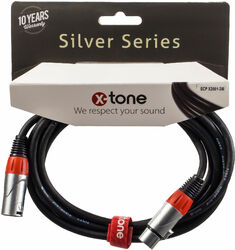
X-TONE
X2001-3M - XLR(M) / XLR(F) SILVER SERIES
16.00 € -
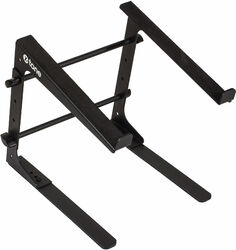
X-TONE
xh 6400 DJ Stand
35.45 € -

X-TONE
X-HP1
49.00 € -
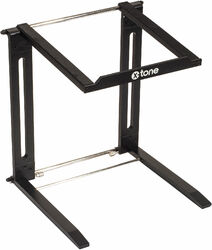
X-TONE
xh 6401 DJ Stand
55.00 € -
X-TONE
2 RCA vers 2 RCA 3M - X1013-3M
10.00 € -

X-TONE
X-HP2
79.00 € -
X-TONE
X1002-3M XLR (M) / XLR (F)
10.00 €