Cart
new
Universal audio Volt 2 G2
- Read reviews (0)
- Related accessories
- Similar products



The brand Universal audio
Learn more about the Universal audio brand and discover the entire catalog.

Sound card buying guide audio interface
Through this buying guide, you will find all the information you need to make your first audio interface purchase.
Contact an expert
Our musician and enthusiast tele-consultants are here to answer all your questions.
Usb audio interface
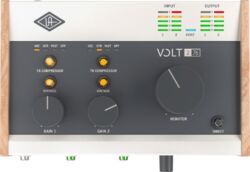
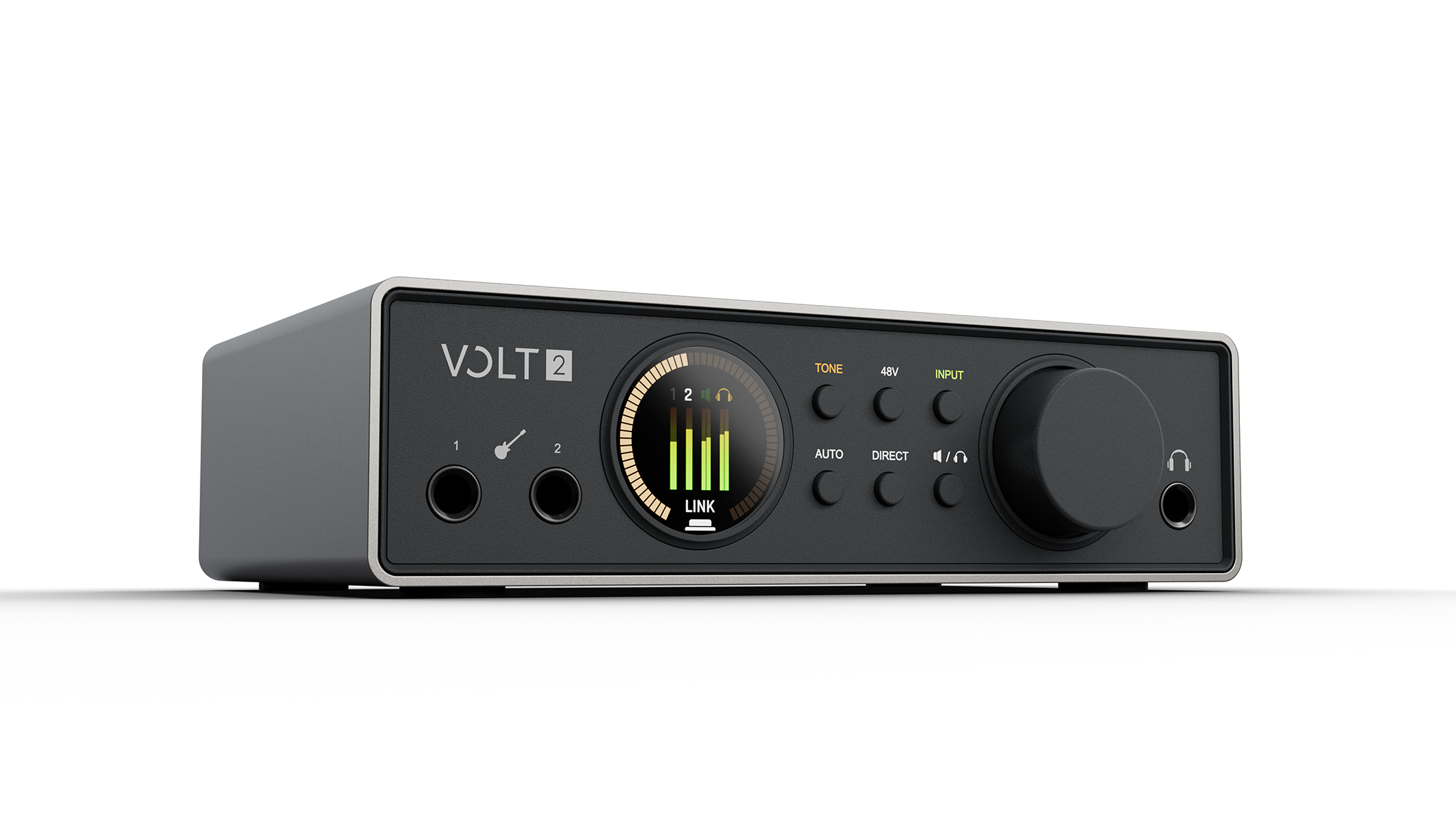
The Universal Audio Volt 2 Gen 2 is a 2-input/4-output USB audio interface designed for beginner or intermediate musicians who want to set up a simple home studio centered around two simultaneous sources. It’s particularly well-suited for recording two vocals, one vocal and one guitar, or a stereo source. Auto-Gain, clipping protection, and the color display make it easy to adjust settings even if you haven’t yet fully mastered recording levels.
Key Features
- Two microphone preamps with 60 dB of gain allow you to record two microphones simultaneously or capture a stereo track.
- Two Hi-Z instrument inputs on the front panel allow you to plug in a guitar or bass directly without an external DI box.
- Auto-Gain automatically adjusts the input level, while clipping protection kicks in during unexpected peaks.
- The three modes—Warmth, Focus, and Shine—alter the character of the preamps before recording.
- Loopback combines the physical inputs with audio from the computer for podcasting, streaming, and video creation.
- USB power and compatibility with Mac, Windows, iPad, and iPhone allow for both desktop and mobile setups.
What can you record with two inputs?
Each of the two channels features a mic/line input and can also accept an instrument via the front-panel Hi-Z inputs. This means you can record two vocalists, a vocalist with a guitar, two instruments, or both channels of a keyboard or other stereo source.
The +48 V phantom power can be switched on or off separately for each channel. This makes it possible to power a condenser microphone on one input without applying the same setting to the second channel.
Are Auto-Gain and clipping protection useful for beginners?
Auto-Gain adjusts the input gain after analyzing the source level. This feature eliminates the need to manually set an initial level when setting up a microphone or instrument.
Clipping protection then monitors for unexpected peaks to reduce the risk of digital clipping during a recording. These features don’t replace the need to monitor your levels, but they provide added security during a session when a singer or instrumentalist suddenly plays louder than during rehearsals.
What are the Warmth, Focus, and Shine modes for?
Each preamp offers three tone-shaping modes. Warmth is inspired by the character of a UA 610 tube preamp, Focus by an American transistor console circuit, and Shine by a British Class A design.
These effects are applied to the input signal. You must therefore choose whether to use them before recording if you want to preserve this coloration in the take, or disable them to record without this processing.
What does the Smart Display show?
The color screen displays the selected channels, levels, and the interface’s main settings. It thus provides more information than a simple row of LEDs when you’re adjusting two inputs or monitoring a take.
It’s particularly useful with Auto-Gain and overdrive protection, since level information remains visible directly on the interface without having to constantly look at the DAW window.
Can you work with both headphones and speakers?
The Volt 2 Gen 2 has a stereo output for monitor speakers and a headphone output. It is therefore suitable for a solo production setup where one person records, produces, and mixes in the same space.
The headphone output provides only a single headphone mix. To record two musicians who need two independent headphone mixes, you’ll need to add a suitable headphone distribution solution or choose an interface that offers multiple headphone outputs and separate mixes.
What are the four outputs used for?
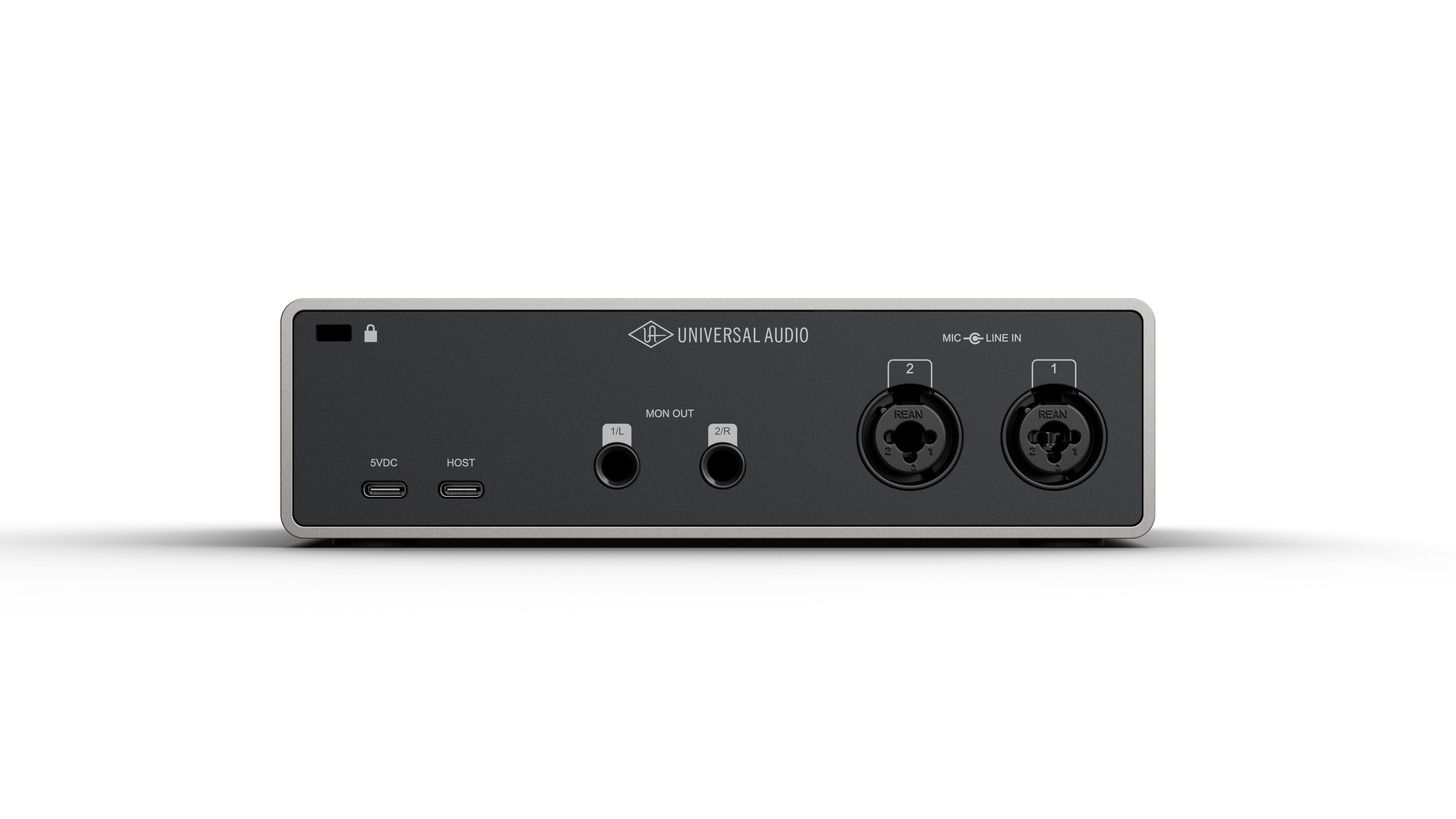
The Volt 2 Gen 2 is a 2-input/4-output interface, with a pair of main outputs and two additional line outputs. These additional outputs can be used to send separate signals to external equipment or another audio destination, depending on the routing configured in the software.
They do not correspond to two additional headphone outputs. The Volt 2 Gen 2 retains a single stereo headphone output.
Is it suitable for podcasting and streaming?
The loopback feature captures audio from the computer and allows you to mix it with connected microphones or instruments. This lets you record a conversation with audio from an app, broadcast a livestream, or incorporate system audio into a video project without needing any additional external wiring.
The two microphone preamps are also an advantage for interviews or two-person podcasts, since each participant can use their own microphone.
Can it be used with a computer, iPad, or iPhone?
The Volt 2 Gen 2 works with compatible Macs, Windows PCs, iPads, and iPhones. It can be powered via USB bus power, eliminating the need for a dedicated AC adapter when the connected device provides sufficient power.
iPhones and iPads equipped with a Lightning connector require an Apple Lightning to USB Camera Adapter. Power requirements may also vary depending on the mobile device used. A dedicated USB input allows you to power the interface separately with 5 V.
What do UAD Console and LUNA offer?
The Volt 2 Gen 2 integrates with UAD Console and LUNA to manage low-latency monitor mixes and recall specific session settings. This integration is useful when you regularly record the same microphone or instrument setups.
However, the Volt 2 Gen 2 does not have the onboard DSP processing found in Apollo interfaces. Therefore, you should not choose it expecting to have the same real-time UAD processing system directly within the interface.
What software is included?
The Volt Studio bundle includes LUNA as well as a selection of UAD effects and instruments, including the UA 610 Tube Preamp & EQ Collection, Century Tube Channel Strip, Teletronix LA-2A, UA 1176, Pure Plate Reverb, Galaxy Tape Echo, Oxide Tape Recorder, PolyMAX Synth, Anthem Analog Synth, and UAD guitar amps.
Third-party software rounds out the package, including Melodyne Essential, Plugin Alliance tools, UJAM Virtual Drummer DEEP, UJAM Virtual Bassist DANDY, Splice INSTRUMENT, and UVI Prisma Producer Lab. FL Studio Producer Edition is included for three months. Bundle contents are subject to change without notice.
What limitations should you be aware of before choosing the Volt 2 Gen 2?
Two simultaneous inputs are sufficient for a solo musician, a duo, a stereo recording, or a two-mic podcast, but not for recording an acoustic drum kit or multiple musicians with several separate microphones. The Volt 2 Gen 2 also lacks hardware MIDI inputs or outputs, as well as ADAT or S/PDIF digital expansion.
For a home studio focused on one or two sources at a time, these limitations are rarely an issue. They become significant if you plan to quickly expand your setup with more microphones, multiple independent headsets, or external digital preamps.
Lire la suite
Technical sheet
- Inputs / Outputs
- Simultaneous I/O: 2 inputs / 4 outputs
- Microphone preamps: 2
- Preamp gain: 60 dB
- Tone Shaping: Warmth, Focus, and Shine
- Speaker outputs: 1 stereo pair
- Headphone output: 1 stereo output
- USB: 1 USB 2.0 host port
- External power input: 5 V DC / 1 A minimum
- USB Connector: USB-C
- Digital/optical connection: no
- MIDI: No
- Digital audio resolution: 32-bit
- Supported sampling rates: 44.1 kHz, 48 kHz, 88.2 kHz, 96 kHz, 176.4 kHz, 192 kHz
- Power
- USB power: yes
- Power consumption at 5 V DC: 3.4 W (typical)
- Maximum power consumption: 4.9 W
- On/off switch: no
- Analog Inputs and Outputs
- Frequency response: 20 Hz – 20 kHz, ±0.02 dB
- A-weighted dynamic range: 116 dB
- THD + noise, 1 kHz at -1 dBFS: -108 dB / 0.0004%
- Maximum input level: 13 dBu
- Input impedance: 1 MΩ
- Available gain: 60 dB, digitally controlled
- Connectors: 6.35 mm TS unbalanced jack
- Frequency response: 20 Hz – 20 kHz, ±0.08 dB
- A-weighted dynamic range: 119 dB
- THD + noise, 1 kHz at -1 dBFS: -110 dB / 0.0003%
- Maximum input level: 14 dBu
- Input impedance: 2 kΩ
- Available gain: 60 dB, digitally controlled
- Phantom power: +48 V, switchable per channel
- Connectors: XLR/jack combo, pin 2 positive
- Frequency response: 20 Hz – 20 kHz, ±0.05 dB
- A-weighted dynamic range: 119 dB
- THD + noise, 1 kHz at -1 dBFS: -108 dB / 0.0004%
- Maximum input level: 22 dBu
- Input impedance: 10 kΩ
- Available gain: 60 dB, digitally controlled
- Connectors: 6.35 mm TRS balanced or TS unbalanced jacks
- Speaker Outputs
- Frequency response: 20 Hz – 20 kHz, ±0.05 dB
- A-weighted dynamic range: 126 dB
- THD + noise, 1 kHz at -1 dBFS: -112 dB / 0.0003%
- Maximum output level: 20.2 dBu
- Output impedance: 200 Ω
- Connectors: 6.5 mm balanced TRS, DC-coupled
- Headphone Output
- Frequency response: 20 Hz – 20 kHz, ±0.08 dB
- A-weighted dynamic range: 116 dB
- THD + noise, 1 kHz at -1 dBFS into 300 Ω: -103 dB / 0.0007%
- Maximum power at 32 Ω: 45 mW
- Maximum power at 300 Ω: 24 mW
- Connector: 6.5 mm unbalanced stereo TRS, DC-coupled
- System Requirements
- macOS and Windows
- Available USB 2.0 port or higher
- USB cable included
- Intel, AMD, or Apple Silicon processor
- Windows 10 64-bit or later
- macOS 12 Monterey or later
- Internet connection required to download software
- iPadOS / iOS 16 or later
- Apple Lightning to USB adapter required for devices with a Lightning port
- No Lightning adapter required for iPhones and iPads with a USB-C port
- STAN Compatibility
- Ableton Live
- FL Studio
- GarageBand
- Logic Pro
- Pro Tools
- LUNA
More specifications
Fewer specifications
Often purchased with Audio Interface
-
X-TONE
X2001-3M - XLR(M) / XLR(F) SILVER SERIES
16.00 € -
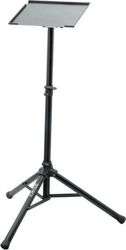
RTX
SPC STAND
55.00 € -
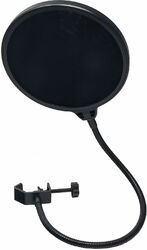
X-TONE
XM 5200 Anti Pop Filter
14.90 € -
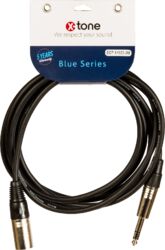
X-TONE
X1023 Jack M Stéréo / XLR M - 3m
10.00 € -
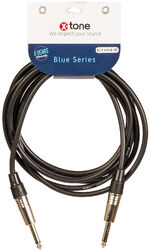
X-TONE
X1005-3M Jack (M) 6,35 / Jack (M) 6,35
10.00 € -

X-TONE
X-HP2
79.00 € -
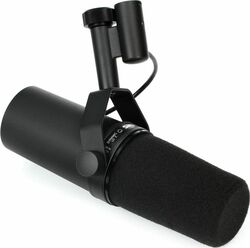
SHURE
SM7B
398.00 € -
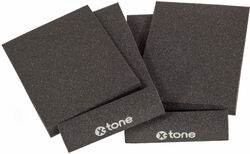
X-TONE
xi 7000 Foam Panele For Studio Speakers
15.00 € -
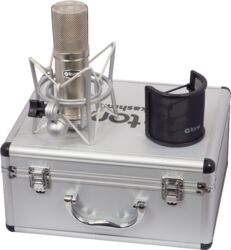
X-TONE
Kashmir
199.00 € -
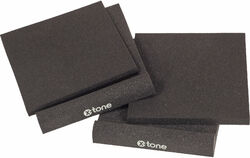
X-TONE
xi 7001 Foam Panele For Studio Speakers
23.00 € -

X-TONE
x screen l
169.00 € -
X-TONE
XS-Studio
89.00 €