Cart
new
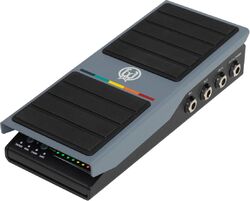
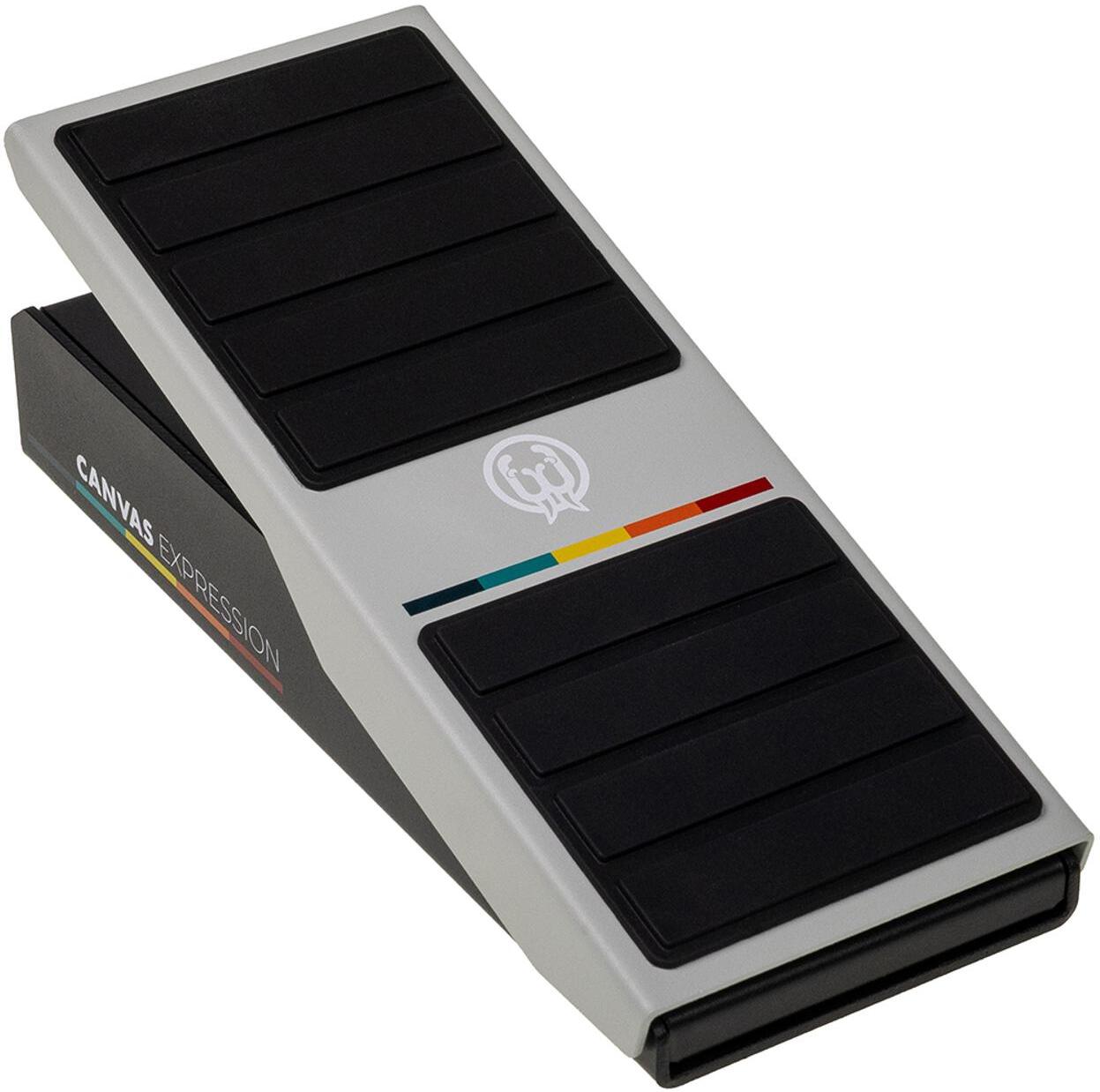
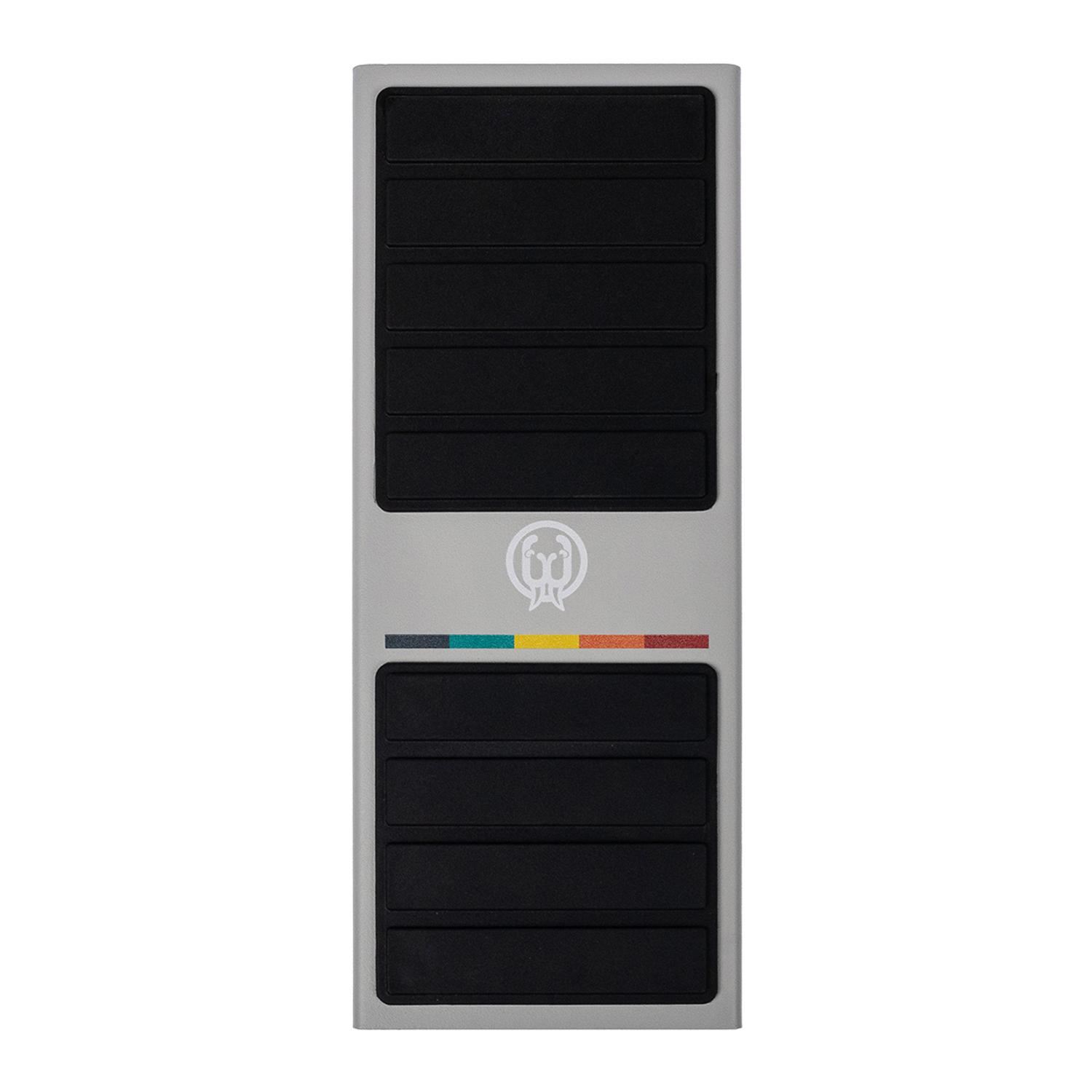
Walrus audio Canvas Expression
- Read reviews (0)
- Related accessories
- Similar products
- Free delivery
- Low prices guaranteed
- Satisfied or refunded
- 3-years warranty
Payez 109.66 € / mois par carte bancaire
- en 3x
- sans frais
- Simuler
-
Apport initial:109.68 €
-
Mensualités:2 x 109.66 €
-
Montant financement:219.32 €
-
Coût financement:0 €
-
Montant total dù:219.32 €
-
TAEG fixe:0 %
Un crédit vous engage et doit être remboursé. Vérifiez vos capacités de remboursement avant de vous engager.
The brand Walrus audio
Learn more about the Walrus audio brand and discover the entire catalog.

Guitar and bass effects shopping guide
How to find the processor(s) that correspond to your needs and expectations amongst the hundreds of references currently available?
Contact an expert
Our musician and enthusiast tele-consultants are here to answer all your questions.
Volume, boost & expression effect pedal
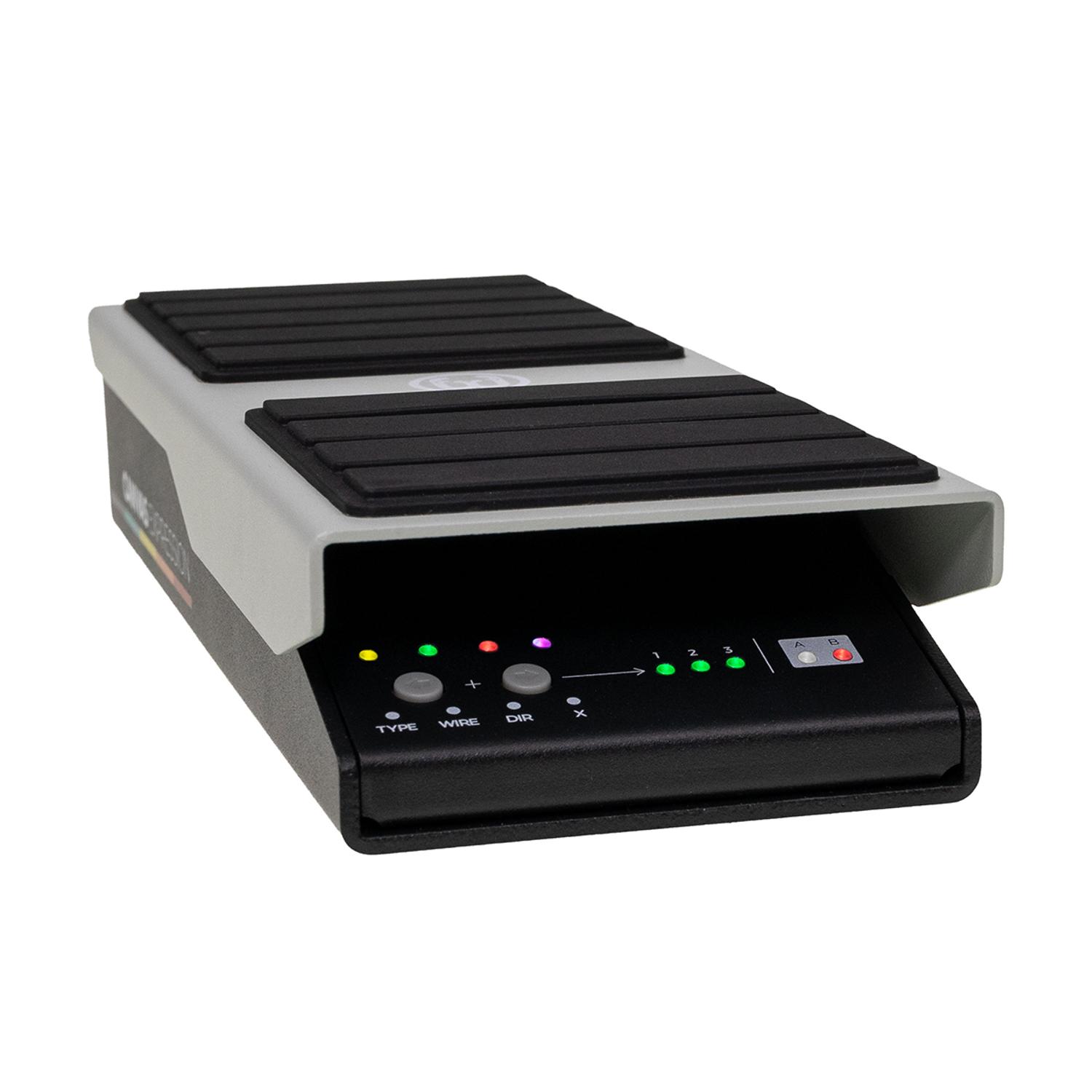
The Canvas Expression redefines what an expression pedal can offer: two independent, configurable outputs capable of handling expression, switching, and control voltage, all complemented by comprehensive MIDI control.
Overview
The Canvas Expression isn’t just a simple expression pedal. It’s a true control center for manipulating parameters, adaptable to almost any pedalboard, synthesizer, or desktop setup. Whether you want to sweep through delay repeats, switch presets mid-song, control modular synthesizers, or automate plugin parameters in your DAW, the Canvas Expression offers flexible control without compromise.
Independent Outputs for Optimal Flexibility
Each independent output on the Canvas Expression can function as a standard expression output, a programmable switch output, or a control voltage (CV) source. This allows a single pedal to control multiple devices within virtually any setup.
- Compatible with pedals, amplifiers, synthesizers, and modular systems.
- Easily integrates with your gear without requiring any modifications.
Customize to suit your needs
Built-in automatic expression wiring detection eliminates compatibility uncertainties. Additionally, adjustable settings for curves, sweep direction, switching thresholds, and output behavior let you precisely fine-tune the response of your expression signals to pedal movement.
Powerful MIDI control for advanced performances
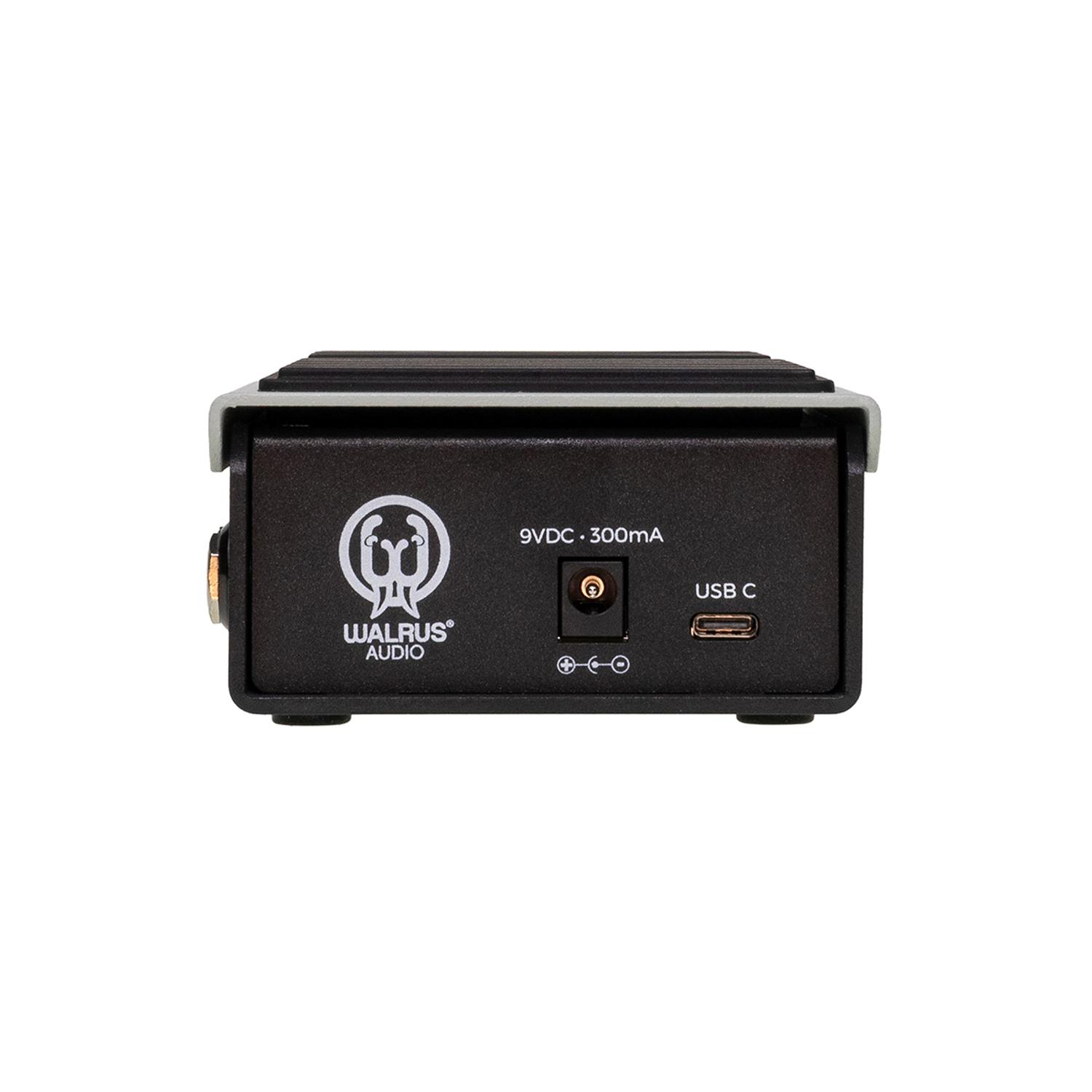
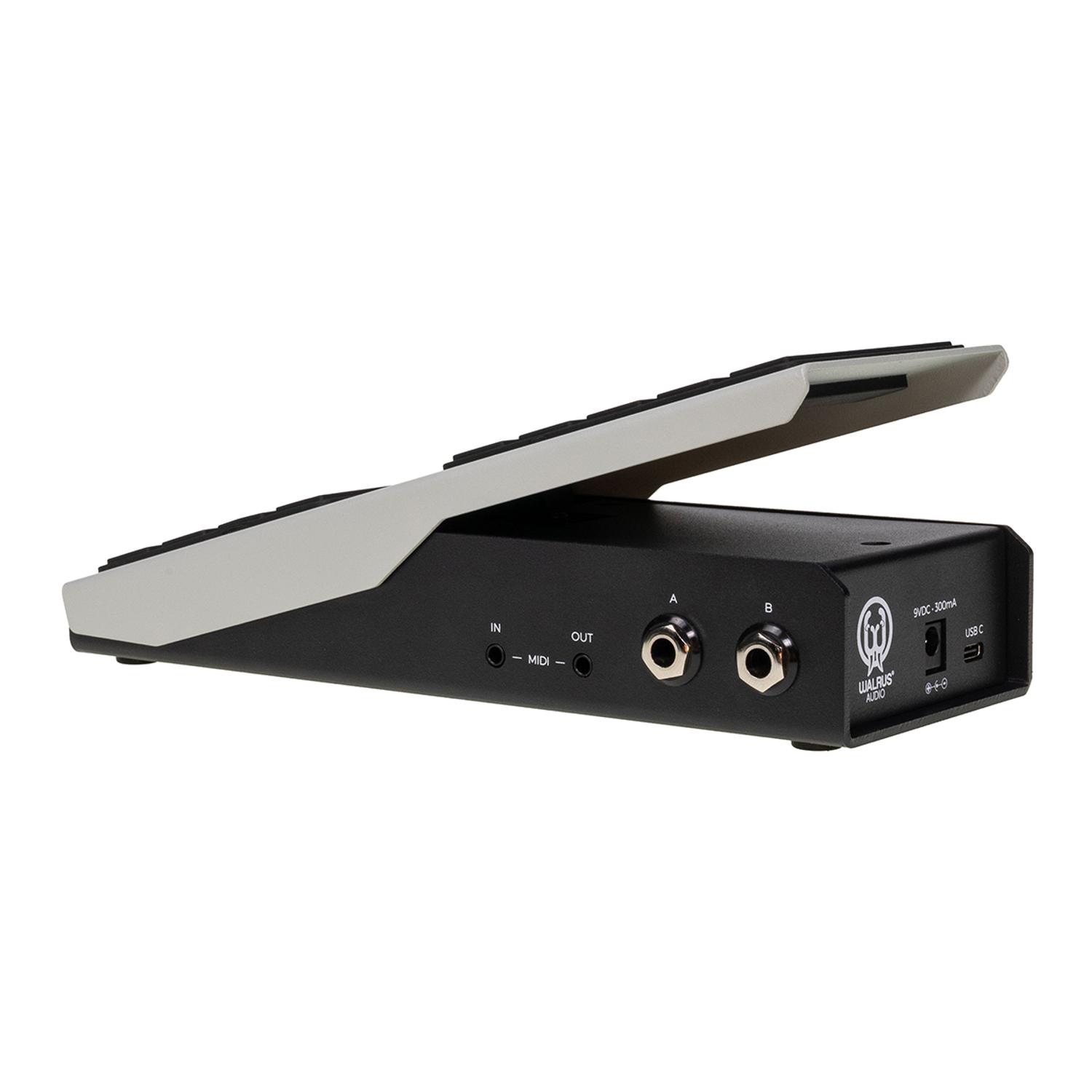
The Canvas Expression isn’t limited to analog control—it also serves as a powerful MIDI controller capable of sending up to 16 independently assignable MIDI messages via USB-C and TRS MIDI. Using the Canvas Expression web editor, you can assign control to pedals, processors, DAWs, virtual instruments, and plugins, with smooth, high-resolution parameter sweeps or instant preset changes.
Intuitive Setup and Adjustable Pedal Voltage
With customizable pedal tension, built-in setup, and an intuitive web editor for advanced adjustments, the Canvas Expression is designed to become the central control hub for virtually any modern setup.
Lire la suite
Technical sheet
- Expression Yes
- for electric guitar Yes
- Volume Yes
- Configure Jack A and Jack B independently. Each output can function as one of the following:
- Expression Output
- Switch Output
- Control Voltage (CV) Output
- Control two completely different devices simultaneously with a single pedal.
- Universal Expression Compatibility
- Designed to work with a wide range of expression-enabled gear, Canvas Expression supports multiple wiring configurations and automatic wiring detection for quick setup.
- TRS
- RTS
- TS resistance mode
- Automatic wiring detection
- Adjustable tapers
- Forward or reverse sweep direction
- Customize:
- Momentary or latching operation
- Heel, middle, or toe activation point
- Multiple switching configurations
- Forward or reverse triggering
- Built for Synths & Modular
- Generate control voltage directly from either output. Selectable voltage ranges include:
- 0–5V
- 0–3.3V
- Perfect for Eurorack systems, desktop synthesizers, and CV-enabled effects.
- Deep MIDI Control
- Canvas Expression transforms into a flexible MIDI controller capable of controlling both hardware and software simultaneously.
- Up to 16 assignable MIDI messages
- Control Change (CC)
- Program Change (PC)
- Independent TRS MIDI and USB MIDI outputs
- High-resolution 14-bit USB MIDI
- MIDI input for remotely enabling or disabling outputs
- From pedalboards to DAWs, Canvas Expression fits naturally into MIDI-based workflows.
- Powerful Web Editor
- Advanced setup is handled through the Canvas web app.
- Configure:
- MIDI assignments
- Switch behavior
- TS resistance values
- Global settings
- Firmware updates
More specifications
Fewer specifications